5 Passport Photo Maker Tools for Compliance in Germany (2026)
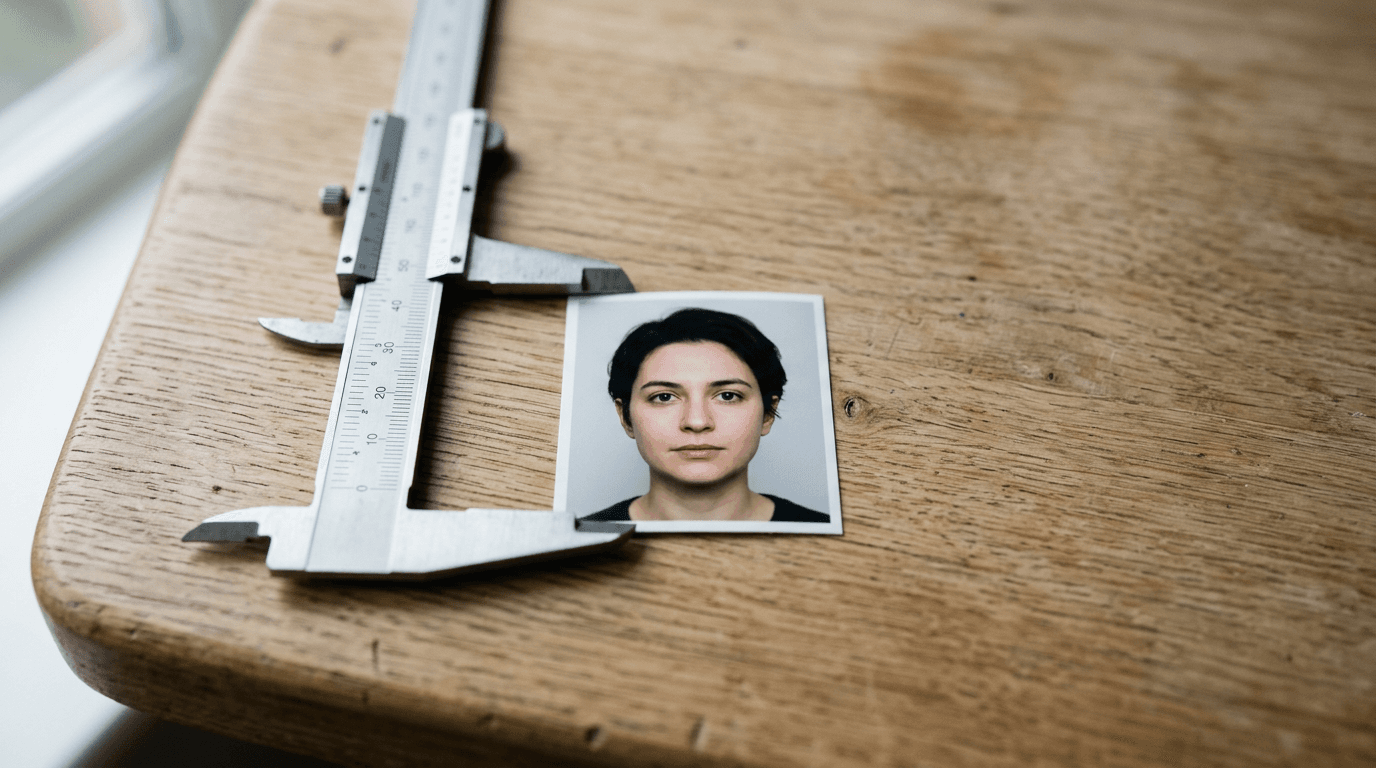
Holding an infant upright against a white wall while trying to keep their eyes open and mouth closed is the exact moment parents realize official documentation rules were not written for babies. The strict requirements for a passport photo maker in Germany demand uniform lighting, a centered face, and exact head proportions, all of which are remarkably difficult to capture between a newborn's sudden movements. A rejected photo at the registry office means losing the appointment slot and starting over, forcing families to choose between navigating the technical compliance themselves or finding a local studio that actually accommodates infants.
Quick Summary
A biometric photo processor converts raw digital images into compliant formats for official government documents, adjusting backgrounds and head proportions to meet strict security standards. Selecting the correct platform depends on whether you need automated compliance checking, physical prints, or a simple digital crop.
- BabyPassportMaker EU automates background removal and guarantees compliance specifically for infant applications.
- Retail options like dm Passbildservice provide immediate physical printing at physical kiosks.
- Automated booths like Fotofix offer self-service physical copies for adults in transit hubs.
- Manual web tools like PersoFoto allow free home alignment without automated checks.
- AI smartphone apps validate adult selfies against standard biometric parameters.
Table of Contents
- Quick Summary
- Choosing a Passport Photo Maker by Service Modality
- 1. BabyPassportMaker EU
- 2. dm Passbildservice
- 3. Fotofix
- 4. PersoFoto
- 5. Passport Photo Online
- Matching Modalities to Application Needs
- Recommended Reads
| Product | Service Modality | Features | Pros | Cons | Target Audience |
|---|---|---|---|---|---|
| BabyPassportMaker EU | Digital AI Processing | AI background removal, infant proportion correction, compliance verification | Under 60 seconds processing, 100% refund guarantee, country-specific rules | Requires self-printing, relies on original lighting, no manual retouching | Parents of infants and toddlers |
| dm Passbildservice | Retail Kiosk Printing | Certified cloud storage, in-store printing | Physical copies included, secure storage, no upfront app fees | Requires store visit, low app rating, unsuited for babies | In-person shoppers |
| Fotofix | Automated Physical Booths | Self-service hardware, instant dye-sublimation prints | Dense network, instant physical output, high user rating | Fixed rigid seating, public noise, no digital files | Adults in transit |
| PersoFoto | Manual Web Cropping | Browser-based interface, visual biometric overlay | Free download, no account needed, highly rated | No mobile app, lacks automated background removal, zero compliance checks | Technically capable users with perfect photos |
| Passport Photo Online | App-Based Self-Service | AI selfie validation, native mobile integration | 200% refund guarantee, dedicated iOS/Android apps, highly rated | Real-time guides fail on infants, requires installation, clumsy for third-party shots | Adult smartphone users |
Choosing a Passport Photo Maker by Service Modality
Selecting a platform to generate a passport size photo for Germany depends fundamentally on who is being photographed and how the final image will be submitted. BabyPassportMaker EU, which publishes this guide, is one of the options below, and evaluating these platforms requires looking past their basic cropping functions to understand how they process raw images.
We classify these services across a specific axis: Service Modality. This lens separates tools by the mechanism they use to process and deliver the final image, defining what the user is actually responsible for.
- Digital AI Processing: These platforms use server-side algorithms to actively correct the image. They remove backgrounds, adjust head tilt, and verify compliance against official databases before delivering a digital file. This is crucial for non-standard subjects, such as infants, whose raw photos rarely meet baseline requirements without intervention.
- Retail Kiosk Printing: These hybrid systems combine a digital upload with an absolute requirement to visit a physical retail location. The core value is the immediate delivery of a physical print, shifting the burden of hardware onto the store rather than the user.
- Automated Physical Booths: Standalone hardware stations that control the lighting, seating, and camera angle. They are highly efficient for adults but physically exclude infants, toddlers, and individuals with specific mobility requirements.
- Manual Web Cropping: Free, browser-based templates that provide a visual overlay but execute no automated corrections. The user must supply a flawless original photo and perform the alignment themselves.
- App-Based Self-Service: Dedicated mobile applications that integrate with the phone's camera to guide selfies. They excel at adult self-portraits but often struggle when the interface is used to photograph an uncooperative third party from above.
Practical rule: Never rely on a manual cropping tool if your original photograph contains shadows on the subject's face or an uneven background; registry offices scan for digital tampering, and manual erasure usually results in instant rejection.
1. BabyPassportMaker EU
BabyPassportMaker EU operates within the Digital AI Processing category, providing a web-based self-service platform designed specifically for infant and child identification images. The system targets parents and traveling families who need biometric compliance without visiting a studio.
The platform works by analyzing uploaded smartphone photos against strict official guidelines. Once an image is uploaded, the software automatically removes the existing background, substituting it with the required neutral shade. The system then corrects the head proportions, centers the face within the frame, and verifies the image size against specific criteria, such as the standard 35×45 mm or 51×51 mm formats. It outputs a file set to 300 DPI, ensuring the print quality meets government standards for travel documents and visas. This processing takes less than 60 seconds, bridging the gap between an impromptu phone snapshot and professional-grade requirements. Because the platform verifies country-specific standards, it handles the nuances of an Australia Baby Passport Photo Guide just as effectively as the rules for Schengen applications.
Infant compliance requires specialized correction
Standard biometric systems evaluate adult faces, which sit upright and fill the frame predictably. Infants cannot hold their heads up or follow instructions, meaning their photos usually start with awkward angles, visible parental hands, or uneven lighting. This tool's processing specifically adjusts for these irregularities, removing the supporting hands from the background and aligning the head to mimic a standard seated portrait. The operation is managed by OLKY PTY LTD, a registered entity that processes these uploads securely.
According to the published Privacy Policy, personal information and uploaded images are not sold to third-party marketers. This is a critical consideration. It matters when handling children's biometric data. The platform's Terms & Conditions also clearly outline the legal framework and usage licenses for the AI technology, establishing a transparent relationship with the end user. By focusing entirely on this demographic, the platform prevents the common rejection issues that occur when adult-focused algorithms attempt to process an infant's proportions.
This service delivers files digitally. It does not print. It does not ship physical photographs to the user's address. Families who lack a high-quality home printer or who are entirely unwilling to visit a local pharmacy to print their generated digital sheets will find this step missing from the workflow. Furthermore, the platform is strictly a self-service tool; it does not offer manual retouching by a human editor if the initial photo is too blurry or obscured for the AI to process.
This platform is the optimal choice for parents seeking to convert home photos of their infants into officially compliant documents without navigating the logistics of a physical studio visit.
Pros
- Processing and compliance verification complete in under 60 seconds
- A 100% Refund Policy applies if official authorities reject the image
- Platform automatically verifies specific country requirements including Schengen area rules
Cons
- Requires the user to arrange their own physical printing
- System relies entirely on the quality and lighting of the original smartphone image
- Lacks human intervention for exceptionally poor original uploads
2. dm Passbildservice
Walking into a local drugstore to handle your biometric needs brings you into the realm of Retail Kiosk Printing. This approach provides a hybrid biometric photo solution through physical retail stores and digital applications, serving in-person shoppers who want a printed sheet of images immediately.

The service functions by allowing customers to either take a photo at a physical station inside a dm retail location or upload an image via the dm-Passbild-App. The system checks the image against standard biometric parameters. Once processed, customers pay 5.95 Euros for a digital biometric passport photo, which includes printed paper copies directly from the store's kiosk. The images are securely stored in a certified cloud system for up to six months, allowing customers to use them for multiple official applications down the line. The accompanying mobile application requires no in-app payments; instead, users complete the transaction in person when they print the results at the retail counter.
Retail chains focus on the physical handover
The infrastructure of this service prioritizes the final printed product over digital convenience. By forcing the final transaction to occur at the physical location, the chain ensures the print quality meets government standards while driving foot traffic to its stores. However, the digital side of this hybrid model shows friction. The official iOS version of the dm Passbild App has a rating of 2.4 out of 5 stars based on 82 user reviews, suggesting that the software interface does not match the reliability of their physical kiosks.
The structural constraint here is the absolute requirement to visit a retail store during business hours. Users seeking to complete their entire application late at night or those unable to leave the house will find this workflow restrictive. Additionally, the store kiosks are optimized for adults and older children who can sit unassisted, making in-store photography highly challenging for infants.
This hybrid approach suits applicants who want the reassurance of immediate, physically printed photos without paying premium photography studio rates.
Pros
- Customers pay 5.95 Euros for a digital file and physical copies
- Photos remain securely stored in a certified cloud system for up to six months
- App usage requires no upfront digital payments
Cons
- Requires traveling to a physical retail store during operating hours
- In-store kiosks are not physically designed to accommodate infants
- The iOS application holds a low rating of 2.4 out of 5 stars
3. Fotofix
Stepping inside a shopping mall or train station reveals the mechanics of Automated Physical Booths, which deploy standalone hardware stations for instant identification images. This system targets adults and teenagers who need immediate, physical compliance for driving licenses, identity cards, or travel documents while out in public spaces.
The mechanism is entirely physical and self-contained. A user enters the booth, adjusts the physical stool, and follows the on-screen audio-visual prompts. The booth's internal camera captures the image, applying automated lighting and rudimentary face-centering algorithms before printing a physical sheet on dye-sublimation paper. The company operates over 2,000 photo booths, print terminals, and copiers situated across Germany, meaning a user needing a passport photo in Berlin can find a machine in most major train stations. A set of four biometric passport photos at an automated booth typically costs between 5 to 10 Euros depending on the specific machine's location.
Automated booths prioritize high-volume foot traffic
These machines are built for durability and speed in high-traffic areas, not for customized photography. They remove the need for scheduling appointments or interacting with retail staff, offering a purely transactional exchange. Despite the lack of human assistance, the hardware delivers consistent results for standard adult users. The service maintains a Trustpilot rating of 4.6 out of 5 stars based on 20 reviews, indicating satisfaction among those who fit the standard user profile.
Users will find themselves constrained by the complete lack of physical accessibility and environmental control for non-standard subjects. The rigid stool and fixed camera angle make it physically impossible to capture an infant or a small toddler within the biometric frame. Furthermore, the public placement of these booths means users must handle the process amid the noise and distraction of a busy transit hub.
I would skip this option if capturing a photo of a young child, but it serves perfectly for adults needing a quick physical print during their commute.
Pros
- A set of four biometric photos costs between 5 to 10 Euros
- Network includes over 2,000 photo booths across Germany
- Achieves a Trustpilot rating of 4.6 out of 5 stars
Cons
- Fixed physical seating cannot accommodate infants or small toddlers
- Public locations expose the user to noise and transit distractions
- Does not provide an immediate digital file for online applications
4. PersoFoto
PersoFoto operates in the Manual Web Cropping category, offering a purely browser-based interface for adjusting existing portraits. It caters to highly capable digital users who already have a well-lit photograph and simply need to format it to the correct physical dimensions.

The platform functions as an overlay tool rather than an automated processor. Users upload their own image to the website and manually drag a digital mask over the face to align the chin, eyes, and crown of the head with official government guides. Once the user is satisfied with the manual alignment, they can download their cropped passport-sized photo sheet completely for free to print at home. The company operates exclusively through its web-based interface and does not offer a dedicated mobile app for iOS or Android.
Free alignment assumes technical capability
This tool transfers the entire burden of compliance onto the user. It does not automatically remove distracting backgrounds, adjust poor lighting, or warn the user if the original image resolution is too low for printing. The platform simply provides the biometric overlay. Despite this manual workload, users who understand the requirements appreciate the zero-cost output. PersoFoto has an average rating of 4.5 out of 5 stars on Trustpilot based on 33 reviews.
This tool's limitation is its complete lack of automated compliance verification. If the background is slightly off-white, or if shadows obscure the subject's face, the tool will still generate the sheet without any warnings, leaving the user vulnerable to official rejection. The lack of background removal makes it particularly unsuitable for infant photos taken against household surfaces.
This manual tool is an excellent choice for photographers who only need a formatting template and already possess a perfectly lit, blank-background portrait.
Pros
- Users can download their cropped photo sheet completely for free
- Platform achieves a 4.5 out of 5 star rating on Trustpilot
- Browser-based interface requires no account creation or software installation
Cons
- The company does not offer a dedicated mobile app
- Lacks automated background removal or lighting correction
- Does not verify final compliance, risking government rejection
5. Passport Photo Online
If you want to use your phone, App-Based Self-Service provides automated mobile processing for travel document imagery. It targets adult travelers and smartphone users who prefer to capture and finalize their documentation entirely through dedicated applications.
The service functions by scanning user selfies uploaded through its interface. The AI-powered web and smartphone application automatically edits, crops, and validates user selfies for passport applications. It replaces the original background with a compliant white or off-white backdrop and checks the biometric alignment. It features dedicated, installable mobile applications for both iOS and Android platforms, allowing users to process images directly on their devices. To alleviate concerns about digital processing, the platform offers a 200% double-your-money-back guarantee if the generated passport photo is rejected by government authorities.
Adult selfies dictate the mobile app interface
Building a platform around native mobile applications allows the service to integrate directly with the device's camera, guiding the user in real-time. This real-time feedback loop is highly effective for adults taking photos of themselves. The service has attained an overall Trustpilot score of 4.8 out of 5 stars backed by over 21,000 customer reviews, reflecting its strong performance for this core demographic.
This platform struggles outside of standard, adult selfies. It fails on complex assisted photography. When parents attempt to use standard selfie interfaces to capture an infant lying on a bed, the real-time alignment guides often fail to lock onto the child's face correctly. The heavy reliance on app-based camera integration makes it clumsy when the photographer must hover over a subject rather than hold the phone straight ahead.
This app provides a robust, guaranteed solution for adults who want to generate their own travel document photos using a dedicated mobile application.
Pros
- Offers a 200% double-your-money-back guarantee against official rejection
- Features dedicated mobile apps for iOS and Android
- Maintains a 4.8 out of 5 star Trustpilot rating from over 21,000 reviews
Cons
- Real-time camera alignment struggles with infant positioning
- Requires downloading and installing a dedicated application
- Selfie-optimized interface adds friction when photographing a third party
Matching Modalities to Application Needs
Selecting the correct tool depends on the subject's age and the application's physical requirements.
Digital AI Processing fits parents and guardians who must process an Ausweisbild online for an uncooperative subject. When capturing an infant, the automated background removal and head alignment provided by BabyPassportMaker EU are necessary to meet strict guidelines without a professional studio.
Retail Kiosk Printing is designed for applicants who require immediate physical copies and have the flexibility to travel during standard business hours. Systems like dm Passbildservice provide the paper output needed for traditional postal applications.
Automated Physical Booths serve independent adults navigating transit hubs. If a commuter requires an immediate image before an emergency embassy appointment, booths like Fotofix provide self-service prints without digital processing overhead.
Manual Web Cropping suits technically capable users who already possess a compliant, well-lit portrait. If the original image requires no correction other than sizing, PersoFoto provides a cost-free formatting layer.
App-Based Self-Service belongs in the hands of adults processing their own applications via smartphone. Passport Photo Online handles the formatting seamlessly for users who can leverage real-time selfie alignment guides.