5 Top Passport Photo Maker Apps for Mobile Devices in 2026
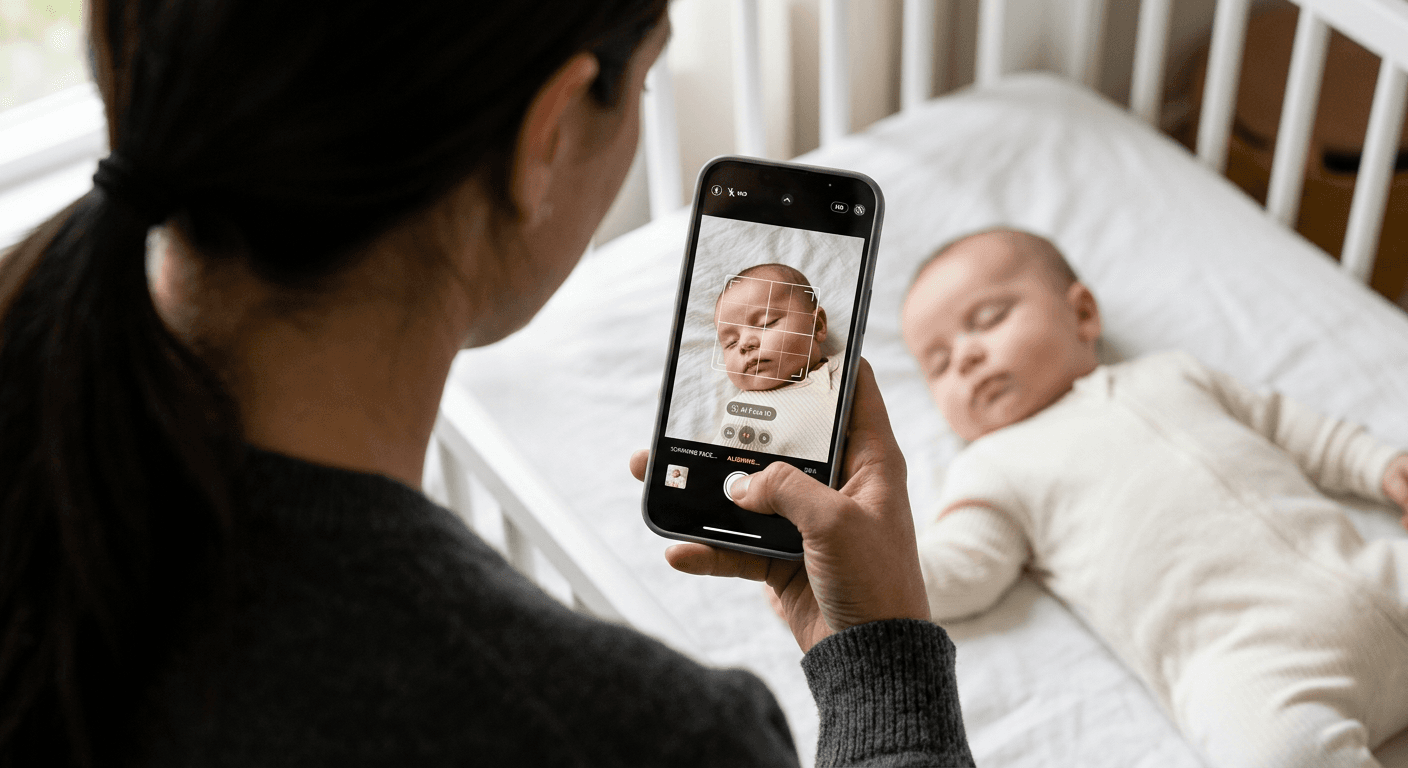
The hardest part of a biometric application is not the bureaucratic paperwork; it is watching a municipal clerk slide your documents back across the desk because the shadows behind your ears violate ICAO standards. When you are rushing to submit an application, finding a reliable passport photo maker is what stands between getting your travel document on time and having to restart the appointment process from scratch. Mobile devices have largely replaced the traditional photography studio, but the software running on them varies wildly in how it enforces compliance, handles background removal, and delivers the final image file.
Quick Summary
A mobile application designed for biometric compliance replaces the physical photography studio by checking technical requirements directly on your device. The options differ fundamentally by how they handle background removal, whether they rely on human verification, and whether they output a digital file or route your print to a local retail kiosk.
- Retail-integrated apps allow in-store printing but often limit your access to the raw digital files.
- AI-verified services offer compliance guarantees but cost significantly more per image.
- Self-service formatting tools give you complete control without automated safety nets.
- Recent regulatory changes in Germany have permanently restricted retail kiosk apps from producing official federal ID photos.
Table of Contents
- How to Evaluate Biometric Processing Models
- 1. dm Passbild App
- 2. CEWE Passport Photo
- 3. PhotoAiD
- 4. PersoFoto
- 5. Passport Photo - ID Photo
- Matching the Processing Model to Your Application
- Recommended Reads
| Product | Processing and Delivery Model | Features | Pros | Cons | Target Audience |
|---|---|---|---|---|---|
| dm Passbild App | Retail-Integrated Kiosk App | In-store print routing, biometric check, auto background removal | No in-app payment required, uses existing retail footprint, instant physical copies | Low user rating, requires store visit, limited digital utility | Shoppers needing immediate physical prints |
| CEWE Passport Photo | Retail-Integrated Kiosk App | Smartphone guidance, QR code kiosk printing, multi-document templates | Broad retail network, child templates included, simple UI | Unusable for German ID post-May 2025, requires physical travel, restrictive output | Users needing non-federal transit or school ID photos |
| PhotoAiD | AI-Verified Expert Service | AI centering, lighting adjustments, human expert review | 200% refund guarantee, high app store rating, automated background swaps | Higher per-photo cost, over-engineered for casual needs, slower than pure automation | Applicants with strict biometric visas |
| PersoFoto | Self-Service Formatting Tool | Browser-based interface, manual crop and align overlay | No app installation needed, immediate result, complete user control | Lacks automated lighting correction, does not auto-remove backgrounds, purely manual | Users with perfectly lit source images |
| Passport Photo - ID Photo | Self-Service Formatting Tool | 100 country templates, auto background replacement, local save | Massive template library, high user rating, fast local rendering | Advanced backgrounds gated by paywall, assumes user knows exact visa requirements, lacks expert review | Families batch-processing multiple visa formats |
How to Evaluate Biometric Processing Models
Understanding the mechanics of biometric software prevents you from paying for a feature you do not need, or worse, arriving at an embassy with an invalid file. Government specifications dictate a rigorous standard: a standard 35x45mm sizing, a minimum resolution of 300 DPI, exact face-centering parameters, and a perfectly uniform background without gradients or shadows. Relying on a mobile device to meet these criteria shifts the burden of quality control entirely onto the software.
The administrative push across Europe to passbild digital übermitteln has fundamentally shifted how citizens apply for documents, making the final output format just as critical as the image capture itself. To evaluate the market, it helps to categorize these tools by their Processing and Delivery Model.
A Retail-Integrated Kiosk App is designed primarily to drive foot traffic to a physical store. The app handles the framing and capture, but locks the final high-resolution file behind a physical printout at a partner location.
An AI-Verified Expert Service combines machine learning with human oversight. These platforms ingest your smartphone photo, automatically replace the background, adjust the contrast, and then route the file to a human reviewer to verify it against specific government databases before returning a digital file. You can familiarize yourself with these strict standards by checking international biometric photo requirements.
A Self-Service Formatting Tool operates entirely on your local device or browser. It provides the biometric overlay masks and cropping mechanisms but leaves the final judgment of lighting and shadow compliance up to the user.
Practical rule: Never use a portrait mode feature on your smartphone before importing the image into biometric software; artificial depth-of-field blurring around the ears and hair is an immediate cause for government rejection.
1. dm Passbild App
Instead of relying entirely on digital delivery, this retail-linked option operates exclusively as an ingestion tool for the German drugstore chain. It is engineered for users who require a physical sheet of photos and prefer to capture the image in their own home rather than in a public photo booth.
The mechanism focuses on local framing. You use the application to align the subject's face, at which point the software performs an integrated biometric compliance check and executes an automatic background removal. Rather than returning a high-resolution digital file to your camera roll, the app queues the data for physical fulfillment. There are no in-app payments; the transaction is finalized directly at a physical dm store kiosk where a printed photo set costs 5.95 €.
The physical checkout masks a strained digital experience
The requirement to travel to a store to retrieve the final product defeats the primary convenience of mobile processing. Furthermore, the software itself struggles with stability, reflected heavily in its user reception - the iOS version currently holds an average rating of 2.4 stars based on 80 ratings.
I would choose this if I were already standing inside a dm store, needed a physical print immediately, and wanted to bypass the store's physical photo booth.
Pros
- Integrates smoothly with existing dm store kiosks
- Avoids the need for digital payment methods
- Includes automated background removal before printing
Cons
- Forces a physical store visit to complete the process
- Poor historical stability according to iOS user ratings
- Locks the user out of the raw digital file
2. CEWE Passport Photo
Operating as an offline bridge for another major retail network, this application attempts to standardize the smartphone capture process before handing off the printing duties to widespread physical kiosks.
The application provides visual guides to help users create compliant photos. Built-in biometric templates are specifically calibrated for adults and children across common documents. Once the image is captured and formatted, the software generates a unique QR code. The user then takes their device to participating stores. Inside, they visit a physical CEWE Photostation kiosk. They scan the code and print the physical set.
Regulatory shifts narrow the practical use case
Federal mandates have severely curtailed this software's utility. Strict changes in German regulations took effect May 1, 2025. Since then, passport photos for official German ID cards, passports, and residence permits can no longer be taken using this app. Its utility is now restricted to producing non-biometric photos. These cover public transportation, school, or corporate work IDs. If you are navigating these specific national restrictions, a dedicated Germany baby passport photo guide can clarify what is still permissible.
Skip this entirely if you are applying for a federal travel document, but consider it an efficient route for outfitting a family with local transportation passes.
Pros
- Simplifies framing with built-in child and adult templates
- Quick physical retrieval via QR code scanning
- Supported by a vast network of partner kiosks
Cons
- Legally invalid for official German passports and IDs post-May 2025
- Requires a physical commute to a retail partner
- Does not provide a direct digital export for online applications
3. PhotoAiD
Uploading an image to PhotoAiD initiates a two-step validation sequence designed to eliminate the anxiety of government rejection. It is built for applicants who prioritize safety and compliance over a free output.
The mechanism relies heavily on server-side processing. The application automatically handles the initial technical load: centering the face, adjusting internal lighting variables, and swapping the native background for a compliant pure white drop. Crucially, the software then routes the edited image to a human expert who reviews the file against the specific biometric standards of the target country. This digital passport photo process yields an extremely high success rate, and the business backs this with a 200% money-back guarantee, refunding double the purchase cost if a government agency rejects the image.
Human intervention creates a compliance guarantee
The double-check mechanism is robust, but the enforced human review introduces a slight processing delay compared to purely automated tools, and the premium pricing reflects the cost of that manual labor.
I would rely on this when a prior photo has already been rejected at the embassy, and the financial assurance of a verified 100% refund policy provides the necessary peace of mind.
Pros
- Combines AI precision with manual expert oversight
- Highly rated by users with 4.5 stars across 19,000 iOS reviews
- Offers a punitive refund structure if the photo fails
Cons
- More expensive than purely algorithmic alternatives
- Processing time is tied to human reviewer availability
- Over-engineered for simple corporate or school ID needs
4. PersoFoto
Bypassing the app store completely, this tool offers a stripped-back, utilitarian approach to formatting. It is designed for users who already understand lighting requirements and simply need a vehicle to achieve the correct physical dimensions.
As an online, browser-based generator, it does not require an installation. You upload an image directly from your mobile browser into the web interface. The tool then provides a strict biometric overlay mask. You must manually scale, crop, and align the portrait until the chin, crown, and eyes sit precisely within the designated government markers. Because no app is installed, the data handling is immediate, which some users prefer for security reasons - a concept often detailed in a standard detailed privacy policy.
Manual alignment relies entirely on user judgement
The system is a pure formatting engine; it does not actively verify compliance, correct harsh lighting, or swap out non-compliant backgrounds. If you upload an image with heavy shadows cast across the neck, the tool will let you crop it perfectly, but the embassy will still reject it.
Practical rule: When using a purely manual cropping tool, position your subject facing a large window on a cloudy day to ensure flat, even lighting before you take the source photo.
This is the right choice when you already have a perfectly lit, blank-wall portrait on your camera roll and only need a passport photo online free to slice it to the exact millimeter requirements.
Pros
- Requires zero installation or app store permissions
- Fast, highly responsive browser interface
- Completely free to use for digital formatting
Cons
- Lacks automated background removal
- Will not warn the user if lighting violates ICAO standards
- Relies completely on the user's ability to match the overlay
5. Passport Photo - ID Photo
With an average rating of 4.5 stars across 21,000 iOS reviews, Passport Photo - ID Photo is a comprehensive local utility developed by Vitalij Schaefer. It targets high-volume users who need to generate documents for multiple jurisdictions without relying on a retail kiosk.
The application does the heavy lifting directly on the device. It formats, prints, or saves files locally in seconds. The core mechanism includes built-in templates designed for 100 different countries, allowing a user to instantly snap a photo to the correct physical ratios. It supports automatic background replacement to instantly swap unwanted scenery with a clean, white background. While the basic white drop is included, users can unlock another 125 professional backgrounds through a one-time in-app purchase.
Local device processing prioritizes template volume
The sheer volume of 100 country templates means you must know exactly which specific visa sub-type you require; the app will scale the image to whatever template you select, but it cannot verify if you chose the correct template for your specific consular appointment. If you are uncertain of the exact specifications required by a foreign government, cross-referencing against strict US baby passport photo guidelines or equivalent consular documentation is mandatory.
I would install this to batch-process distinct sizing formats for a family applying for multiple international visas simultaneously.
Pros
- Massive library of international templates
- Instant local saving without mandatory physical printing
- Capable automatic background removal built-in
Cons
- Extended background features are gated behind a paywall
- Requires the user to select the correct template manually
- Does not feature a human review safety net
Matching the Processing Model to Your Application
Choosing the right software depends entirely on what the receiving authority expects from you at the desk.
If your application requires a physical sheet of photos and you want to bypass the photo booth, a Retail-Integrated Kiosk App is the most direct route. It limits your digital freedom but ensures you walk away with the exact paper format the local drugstore printers are calibrated to produce.
When the stakes are high - such as an impending international flight where a rejected application means a missed trip - an AI-Verified Expert Service is necessary. The higher cost is an insurance policy against the strict rejection criteria of biometric screening.
For routine renewals, transportation passes, or applications where you already have a compliant, well-lit digital portrait, a Self-Service Formatting Tool removes the friction. It allows you to quickly crop to the required ratios, save the file locally, and upload it directly to a government portal without incurring recurring service fees.