5 Critical Checks for Pakistani Passport Renewal Online in 2026
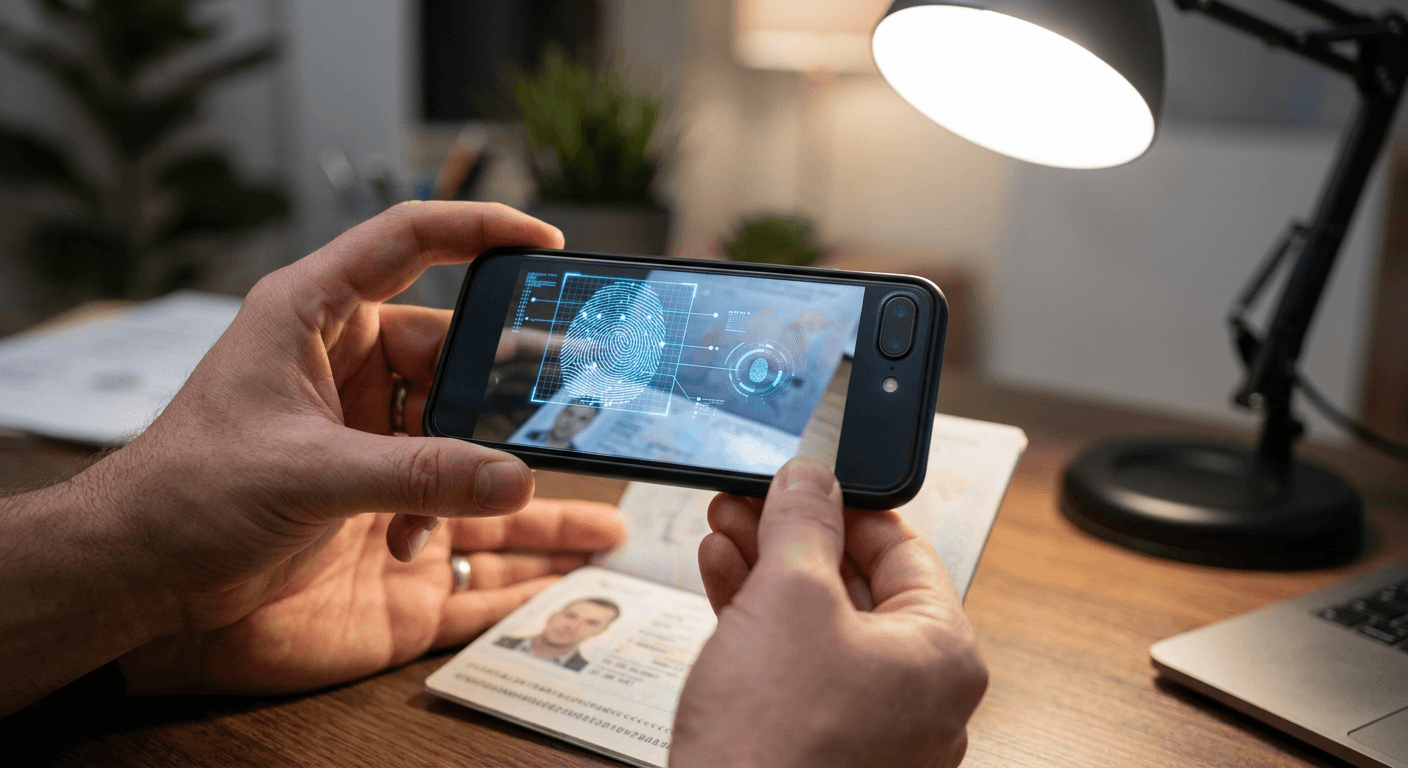
A rejection on the Directorate General of Immigration & Passports (DGIP) e-Services portal does not mean you entered the wrong name; it usually means an algorithm could not parse your uploaded data. When tackling a pakistani passport renewal online in 2026, the primary bottleneck is no longer bureaucratic paperwork. The barrier is data ingestion. The portal relies heavily on automated checks for biometrics, facial proportions, and optical character recognition. Failing any of these machine-driven evaluations kicks your application out of the automated queue and into a manual review state, triggering weeks of delay.
To navigate this system successfully, you must approach the portal not as a digital filing cabinet, but as a strict compliance engine. This article evaluates the five mandatory components of the digital renewal process. We examine each step through a specific lens: where the DGIP's automated ingestion algorithms fail, and what technical parameters you must control to force a successful upload on the first attempt.
Quick Summary
The DGIP e-Services portal automates passport renewals by replacing manual data entry with biometric scanning and algorithmic document verification. Success requires strict control over image lighting, file compression, and proper API tracking.
- Fingerprint matching relies on contrast, not pressure.
- Shadows in digital portraits trigger automated rejection.
- Aggressive PDF compression destroys OCR readability.
- Priority processing accelerates printing, not international shipping.
- Status portals mask administrative delays as processing time.
Table of Contents
- 1. Digital Fingerprint Capture via the Pak Identity App
- 2. Biometric Photograph Compliance
- 3. Supporting Document Digitization
- 4. Application Category and Priority Selection
- 5. Navigating the Status Tracking System
- Failure Mode Matrix
- Scenario Routing
- FAQ
- Recommended Reads
1. Digital Fingerprint Capture via the Pak Identity App
Uploading physical fingerprint forms is a legacy process; modern renewals rely on the NADRA Pak Identity mobile application to capture biometric data digitally. This requirement applies to almost all adult applicants attempting to authenticate their identity remotely.
The system uses your smartphone camera to photograph your hand rather than pressing your fingers against a capacitive glass scanner. The application identifies the tips of your four primary fingers, extracts the ridge patterns optically, and converts them into a biometric template. This template is then queried directly against the central National Database and Registration Authority (NADRA) records to verify your identity before the DGIP portal allows you to finalize your passport application.
Lighting dictates the matching algorithm's success
The optical extraction algorithm does not evaluate physical depth; it evaluates pixel contrast. When capturing your fingers via the smartphone camera, the software looks for the dark lines of your ridges against the lighter valleys between them. Overexposing the image with a harsh smartphone flash flattens this contrast, causing the software to read your fingers as smooth surfaces. Conversely, capturing the image in a dim room introduces digital noise that the algorithm interprets as false minutiae points, resulting in a database mismatch.
Practical rule: Capture optical fingerprints in indirect, natural daylight, holding your hand flat against a dark, non-reflective background to maximize edge contrast for the camera sensor.
This system completely fails for elderly applicants with naturally worn friction ridges, manual laborers whose fingertips are degraded, or very young children. The optical sensor cannot compensate for missing physical data. If the application rejects the capture after multiple attempts under ideal lighting, the digital route is closed. You must abandon the app-based verification and submit a physical ink-and-paper form, or secure an in-person appointment at a consulate where capacitive scanners can brute-force a reading.
2. Biometric Photograph Compliance
Every application requires a digital portrait that meets strict biometric standards. This image must be uploaded directly to the e-Services portal and serves as the primary visual identification embedded in your new passport's secure chip.
The DGIP portal does not rely on a human to check your photograph initially. It passes the uploaded JPEG through an automated facial recognition parsing tool. This tool measures the pixel distance between your pupils, verifies that your head occupies a specific percentage of the total image frame, checks for uniform lighting, and scans the background for non-white pixels. If the image passes these checks, it is stored in the application file; if it fails, the portal immediately rejects the upload, preventing you from advancing to the payment screen.
Background shadows trigger immediate algorithmic rejection
The most common failure mode for home-captured digital photos is uneven background lighting. A standard room light casts a drop shadow behind your head. The parsing algorithm misinterprets this shadow as either an unapproved background color or as an extension of your physical hair or clothing, which throws off the required head-to-frame ratio calculations.
Automated systems are exceptionally unforgiving when capturing photos of infants. Because babies cannot independently support their heads or sit straight against a wall, parents often resort to photographing them lying down on sheets. The resulting shadows and posture irregularities will trigger a rejection. Navigating this requires specialized digital processing to isolate the subject and construct a compliant background synthetically. For context on how strict these digital dimensions and posture requirements get, you can review the Germany Baby Passport Photo Guide to see how EU systems handle biometric constraints, which closely mirror the logic used by the DGIP. Furthermore, if you rely on a digital tool to format these photos, ensure the provider backs their processing with a 100% Refund Policy against official government rejections, as automated checks offer zero leeway.
3. Supporting Document Digitization
To validate citizenship and continuity, the portal requires digital copies of your current National Identity Card for Overseas Pakistanis (NICOP) or Computerized National Identity Card (CNIC), alongside your expiring passport.
These documents must be scanned and uploaded within rigid file size limitations, typically capped at 1MB per file for JPEGs or up to 3MB for PDFs depending on the specific form field. When a file is uploaded, the DGIP system runs Optical Character Recognition (OCR) over the image, specifically targeting the Machine Readable Zone (MRZ) at the bottom of your passport data page and the identity numbers on your CNIC. The system cross-references these read numbers against the text you manually typed into the application fields.
Compression artifacts destroy machine readability
To meet the strict file size limits, applicants frequently use aggressive compression tools or generic smartphone scanning apps. These apps apply high-contrast black-and-white filters by default to make text pop. Unfortunately, this aggressive thresholding frequently wipes out the faint background watermarks and micro-printing on the physical documents. When a manual reviewer eventually audits the file, the lack of visible security features makes the document look like a digital forgery, prompting a suspension of your application.
Furthermore, heavily compressing a JPEG introduces blocky artifacts around text. The OCR algorithm will misread a pixelated "8" as a "3", resulting in a data mismatch error that stops the application. If you encounter persistent upload rejection errors despite being under the size limit, consulting the Help Center for your digitization software can provide specific export settings. You must balance the compression ratio carefully: keep the file under 1MB, but retain enough resolution (typically 300 DPI) so that zooming in on the MRZ reveals clean, artifact-free text.
4. Application Category and Priority Selection
The portal allows applicants to choose between Normal, Urgent, and Fast Track processing categories. This selection determines the fee you pay and dictates how your file is routed once it passes the initial digital ingestion phase.
The mechanism here is purely a queue management system at the DGIP printing facility in Islamabad. Normal applications are placed in the standard production queue, which can take weeks to reach the printer. Urgent and Fast Track fees push your digital file ahead of others in the database, prioritizing your physical booklet for lamination and chip encoding on the factory floor.
Production priority does not guarantee transit speed
The critical misunderstanding applicants have about these tiers is conflating production speed with delivery speed. Fast Track routing guarantees that the passport will be printed quickly, but it does absolutely nothing to accelerate international logistics.
Once the booklet is printed, the DGIP hands it over to logistics partners or routes it through diplomatic pouches to foreign consulates. If you are renewing from abroad, your "Fast Track" passport will sit in the exact same international transit queue as a "Normal" passport. The diplomatic pouch schedule operates on its own timeline, completely independent of the fee you paid online. Applicants applying from within the country benefit from prioritized domestic courier dispatch, but overseas applicants paying for Fast Track should expect the final delivery leg to take several weeks regardless of their chosen processing category.
5. Navigating the Status Tracking System
After submission, the system issues a tracking ID, allowing you to monitor the lifecycle of your application. Tracking your passport status is handled via a dedicated portal dashboard or an SMS gateway, which queries the central database for your file's current state.
The backend mechanism assigns specific status codes to your file as it moves from "Application Submitted" to "In Process," "Printing," "Dispatched," and finally "Delivered." The API surfaces these milestones to the user dashboard. If a manual reviewer finds an anomaly - such as a mismatched signature or an unreadable CNIC - the system flags the file, theoretically updating the status to alert the applicant that intervention is required.
Status codes obscure the actual printing backlog
The limitation of the tracking infrastructure is that it masks administrative gridlock. An application will frequently show "In Process" for six weeks. This status does not mean a human is actively reviewing your file; it often means your application has cleared all checks but the facility has run out of the specific lamination paper required for your booklet type. The system has no status code for "Awaiting Raw Materials."
Practical rule: If an application remains stuck on the same status for more than 21 days without a requested action, assume a supply chain backlog at the printing facility rather than an error with your paperwork, and do not submit a duplicate application.
Furthermore, the system is notoriously bad at proactive notification. If your digital fingerprints fail a secondary audit, the system updates the dashboard but rarely sends a push notification or email to inform you. Relying on automated alerts is a mistake; you must log into the portal weekly to verify that the application has not been silently suspended awaiting fresh document uploads.
Failure Mode Matrix
Understanding where the digital process breaks down allows you to prepare your assets correctly before logging in.
| Checkpoint | Primary Failure Mode | Technical Fix |
|---|---|---|
| App Fingerprinting | Digital noise from low light blocks optical ridge detection. | Scan in indirect, bright daylight against a dark background. |
| Portrait Upload | Shadows behind the head disrupt automated facial framing. | Use diffuse lighting; rely on dedicated compliance software to strip backgrounds. |
| Document Upload | Compression artifacts cause OCR misreads of the MRZ. | Export at exactly 300 DPI, avoiding high-contrast "scan" filters. |
| Status Tracking | Portal shows "In Process" indefinitely due to material shortages. | Monitor weekly; ignore SMS alerts and check the web dashboard directly. |
Scenario Routing
Choosing how to approach a pakistan online passport renewal depends entirely on who the applicant is and what physical constraints they face.
- If your bottleneck is an infant application: Skip the app-based fingerprinting immediately. Infants require physical form processing. Dedicate your technical effort entirely to securing a perfectly compliant digital photograph, as baby posture will instantly fail automated background checks without specialized formatting.
- If your bottleneck is a degraded physical fingerprint: Do not waste hours trying different lighting setups in the Pak Identity app. The algorithm cannot read ridges that no longer exist. Pivot immediately to scheduling a consular appointment to use their physical capacitive scanners.
- If your bottleneck is overseas transit time: Select the Normal processing category. Paying for Fast Track printing is a waste of capital when the document will inevitably spend three weeks sitting in a diplomatic pouch waiting for an international flight.
- If your bottleneck is file size limits on complex documents: Do not use JPEG. Compile your scanned identity documents into a single PDF and apply standard compression. This preserves the machine-readable text far better than compressing a JPEG image to under 1MB.
FAQ
How strict is the photo background requirement for the DGIP portal? It is an absolute pass/fail metric handled by software. The background must be pure white and free of all shadows. Off-white, textured, or shadowed backgrounds will prevent the application from moving forward.
Does the Pak Identity app work for children under 18? No, the app's optical fingerprint scanning is designed for adult ridge patterns. Minors generally require traditional biometric capture or specific physical forms depending on their exact age bracket and application type.
Why does my passport status say it is processing when I paid for urgent delivery? The urgent fee prioritizes the physical printing of the booklet in Islamabad. It does not bypass material shortages, nor does it speed up the international courier transit times required to ship the printed booklet to your foreign address.
Can I upload a photograph of a physical photo for the biometric portrait? No. Taking a smartphone photo of a printed photograph introduces glare, moiré patterns, and incorrect pixel scaling. The automated facial recognition software will reject it immediately. You must upload a native digital file.