A Complete Guide to Navigating Your Online Passport Application in 2026
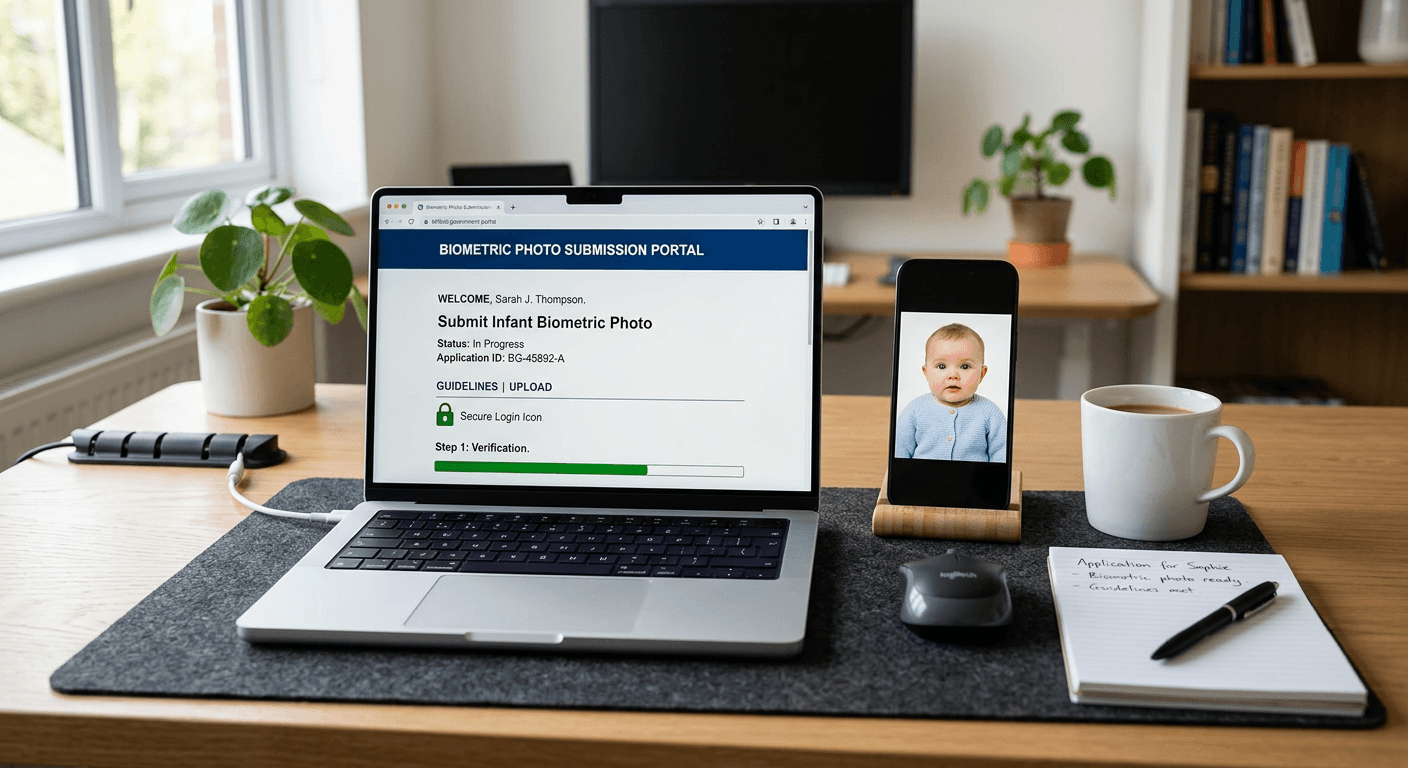
Navigating the bureaucratic landscape of travel documentation can feel daunting, particularly when requirements change frequently across jurisdictions. Transitioning to an online passport application system offers a streamlined path, provided you understand the specific technical and documentation hurdles involved. From ensuring your digital images meet strict biometric standards to tracking your document progress, efficiency relies on preparation.

Quick Summary
An online passport application involves submitting digital forms, biometric photographs, and supporting documents through official government portals. By utilizing an online passport checker to verify image compliance, applicants can minimize processing delays. Once submitted, monitoring your passport status regularly ensures you remain informed about your document’s production and delivery timeline.
- Ensure biometric photos meet specific DPI and size requirements.
- Use official government portals to prevent identity fraud.
- Maintain records of your application reference number for tracking.
Table of Contents
- Quick Summary
- Preparing Your Digital Documentation
- Verifying Compliance with an Online Passport Checker
- Submitting Your Online Passport Application
- Monitoring Your Passport Status
- Common Pitfalls and Troubleshooting
- FAQ
- Recommended Reads
Preparing Your Digital Documentation
Before initiating an application, gather all necessary civil documents, including birth certificates, previous passports, and proof of citizenship. Many jurisdictions now require digital uploads rather than physical mail-in options. High-resolution scans should be clear, legible, and saved in standard file formats like JPEG or PDF. If you are preparing documents for minors, ensure that all parental consent forms are signed and digitized prior to starting the process.
Biometric requirements are the most common cause of application rejection. Agencies demand specific lighting, head-to-frame ratios, and neutral expressions. For families traveling with infants, obtaining a compliant image is particularly difficult; using specialized Germany baby passport photo tools can help ensure the specific criteria for background color and head positioning are met without the need for multiple studio visits.
Verifying Compliance with an Online Passport Checker
An online passport checker acts as a preliminary validation layer before your files reach a government database. These tools use automated algorithms to scan for common errors, such as shadows on the face, incorrect file dimensions, or busy backgrounds that violate biometric standards. By checking these technical details early, you avoid the administrative backlog associated with manual rejections.
Pro Tip: Do not rely solely on software checks. Always cross-reference the output against the specific height, width, and DPI requirements listed on the official government website for your country, as these can vary significantly between standard passports and visa applications.
Submitting Your Online Passport Application
Once your documentation is verified, proceed to the official government portal. Avoid third-party "expedited services" that mimic government websites, as these often charge exorbitant fees for services you can perform yourself. Fill in your personal details exactly as they appear on your supporting civil documents, as even minor discrepancies in spelling or dates of birth can trigger a security hold.
After entering your information, you will be prompted to upload your prepared digital files and make the required payment. Ensure you save a copy of the payment receipt and the submission confirmation number. This reference code is essential for all future inquiries regarding your file.
Monitoring Your Passport Status
After submission, checking your passport status is a matter of logging into the official portal using your reference number and last name. Most government systems provide real-time updates: 'Received', 'In Process', 'Approved', and 'Shipped'. If the status remains 'In Process' for longer than the standard service window, verify if the agency has sent any electronic correspondence requesting additional information.
Should you encounter a status update indicating 'Action Required', respond promptly. Delays in providing extra documentation, such as a missing parental signature or a clearer scan of a document, are the primary reasons for extended wait times. Keep a digital log of the dates you checked your status and any messages received to stay organized throughout the wait.
Common Pitfalls and Troubleshooting
The most frequent error is uploading a photograph that does not meet contrast requirements or contains digital artifacts. Another common issue involves using a photo that is too old, which can lead to identity verification failure at the border. Always use a current image taken within the last six months.
Technical glitches during the submission phase, such as page timeouts or payment failures, are usually solved by clearing your browser cache or switching to a different web browser. If a payment fails, do not attempt to re-submit immediately without checking your bank statement to ensure a duplicate charge has not been processed. For persistent issues, consult the official Help Center for your specific issuing authority.
FAQ
How long does an online passport application typically take to process?
Processing times vary by country and service level. While some regions offer expedited services within a few days, standard processing can range from several weeks to months. Always check the current government service standard before planning travel.
Can I use a smartphone to take my passport photo?
Yes, modern high-resolution smartphones are capable of producing acceptable images. However, you must ensure even lighting, a plain background, and strict adherence to the required head size and aspect ratio.
What should I do if my passport photo is rejected?
If you receive a formal rejection, identify the specific reason provided - usually, it relates to lighting, shadows, or photo composition. Correct the identified issue, obtain a new, compliant image, and follow the instructions in the rejection notice to re-upload the file.
Is it safe to submit sensitive identity documents online?
Only use official government URLs (typically ending in .gov or the equivalent national domain). These sites use encryption to protect your data. Never input sensitive information into unofficial websites that do not clearly identify their legal affiliation with the issuing government authority.