Best Online Passport Checker Tools for a Seamless Application in 2026
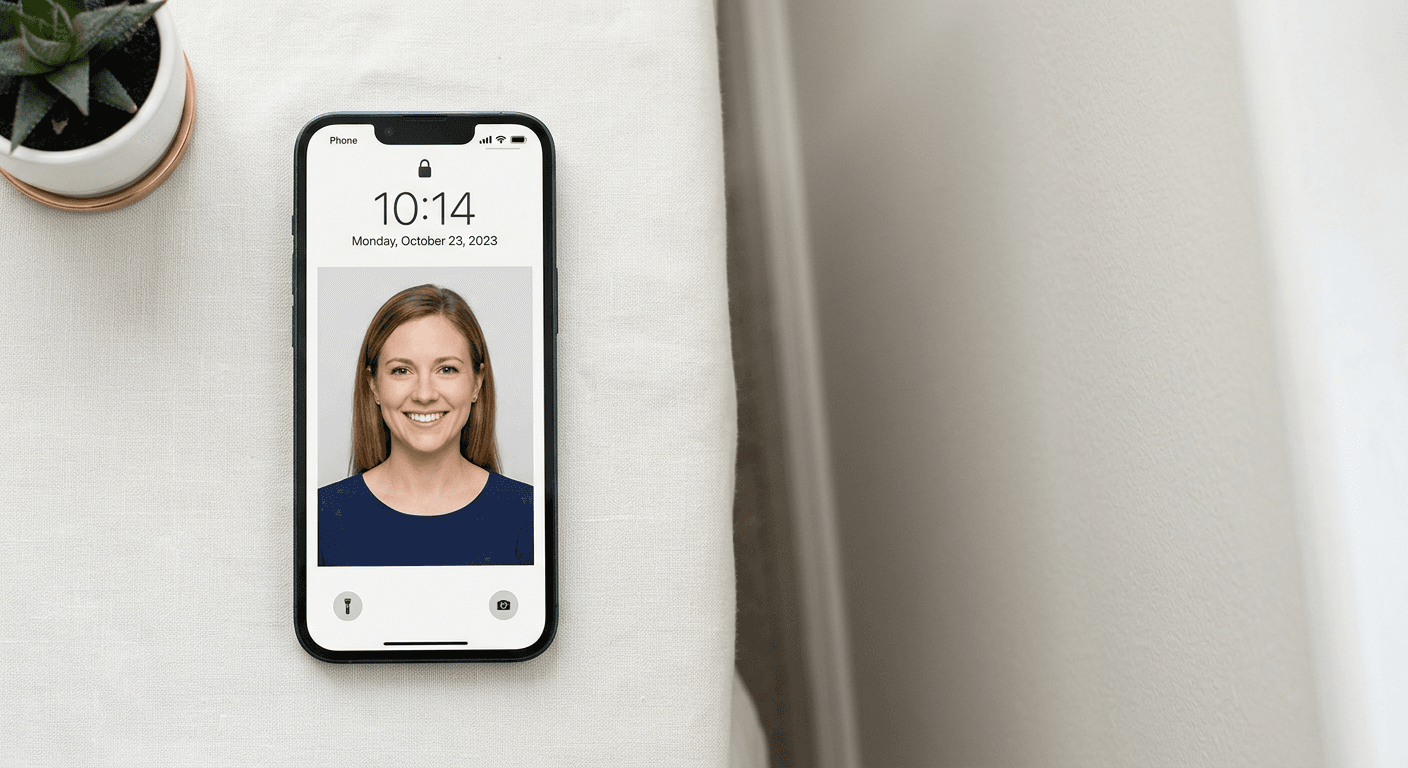
Obtaining a valid passport photo that meets stringent government criteria is often the most significant hurdle in an online passport application. With strict requirements regarding lighting, facial expression, and head size, manually editing a photo frequently leads to frustrating rejections. Utilizing a reliable online passport checker ensures your images align with international biometric standards before you submit your documents to authorities.

Quick Summary
An online passport checker is a digital tool that uses automated algorithms to verify whether a photograph meets specific government biometric requirements. These services typically handle background removal, centering, and head-size adjustment to ensure compliance for visa and passport submissions.
- Automates cropping and background removal for regulatory compliance.
- Provides instant feedback on image quality and biometric accuracy.
- Significantly reduces the likelihood of application rejection due to photo issues.
- Offers accessible solutions for unique challenges like capturing infant identity photos.
Table of Contents
- Comparison of Passport Photo Validation Tools
- AI-Driven Automated Validation Platforms
- Professional Manual Review Services
- Government-Integrated Online Portals
- DIY Mobile Apps for Passport Photos
- How to Choose the Right Tool
- FAQ
- Recommended Reads
Comparison of Passport Photo Validation Tools
| Category | Features | Pros | Cons | Target Audience |
|---|---|---|---|---|
| AI Automation | Instant cropping, background removal | Fast, low cost | May struggle with complex shadows | Busy individuals |
| Manual Expert Review | Human verification of pixels | High accuracy | Slower turnaround | Critical applications |
| Gov Portals | Official validation checks | Guaranteed standards | Limited editing features | First-time applicants |
| Mobile Apps | Integrated camera and sizing | Portable, convenient | Varied photo quality | Families and travelers |
AI-Driven Automated Validation Platforms
AI-powered tools represent the most efficient method for processing images today. These platforms utilize advanced machine learning models to detect facial landmarks and automatically adjust the image to meet international standards, such as those often required for a US baby passport photo. They excel at removing distracting backgrounds and ensuring the head size occupies the correct percentage of the frame.
- Pros: Extremely fast processing times (under 60 seconds); available 24/7; cost-effective compared to professional studios.
- Cons: Require a decent quality base image to function correctly; sometimes struggle with irregular lighting.
Professional Manual Review Services
For those who prefer a human touch, manual review services employ technicians to verify every aspect of the photo. These services are particularly beneficial for complex cases, such as capturing a Germany baby passport photo, where biometric rules are exceptionally rigid. Technicians analyze the image for compliance with DPI settings and skin tone balancing.
- Pros: Higher success rates for tricky photos; personalized feedback if the image fails.
- Cons: Higher price point; turnaround time is longer than automated systems.
Government-Integrated Online Portals
Many national governments now provide their own web-based tools as part of the digital application process. These portals are designed to ensure that the image uploaded for an online passport application is immediately acceptable for their specific biometric database. These tools act as the final gatekeeper in the document submission workflow.
- Pros: Official government certification; direct integration with the application database.
- Cons: Often lack advanced editing features; if the photo is rejected, you must restart the process manually.
DIY Mobile Apps for Passport Photos
Mobile applications allow users to use their smartphone cameras as a professional scanner. These apps often guide the user through the photography process, indicating where to position the subject - an essential feature when dealing with a UK baby passport photo. They combine image capture with basic validation checks.
- Pros: Maximum convenience; takes advantage of high-resolution phone cameras.
- Cons: Dependent on user skill to get the original lighting and angles correct.
How to Choose the Right Tool
Choosing the best tool depends on the complexity of your situation. For simple adult photos, an AI-based platform is generally sufficient. However, for specialized requirements like a Canada baby passport photo, prioritize platforms that offer specific guidance on infant posing and background uniformity. Always check if the platform provides a refund policy, which can mitigate the risk of rejection.
Consider the specific file format requirements of your destination country. Some countries require digital-only submissions, while others demand physical prints. A versatile tool will provide options for both, ensuring your digital passport photos are formatted correctly in terms of both dimensions and technical metadata (such as DPI and color space).
FAQ
- Are online passport checkers accurate? Yes, most reputable checkers use verified biometric algorithms to ensure compliance with international standards.
- Can I use an AI checker for a newborn? Yes, some tools are specifically optimized for infant photography, which is notoriously difficult due to movement and expression constraints.
- What happens if the checker says my photo is fine, but it gets rejected? Reputable services often provide a guarantee. Consult the provider's refund policy for details on rejections.
- Do I need professional software? No, modern web-based tools provide all the necessary editing, cropping, and background removal services required for an online passport checker process.
Recommended Reads
- Learn about the specific needs for a New Zealand baby passport photo
- Understanding guidelines for an Australian baby passport photo
- Guidance on Singapore baby passport photo requirements
- Details on capturing a Saudi baby passport photo