Best Tools and Software to Achieve the Perfect Passport Size Photo in 2026
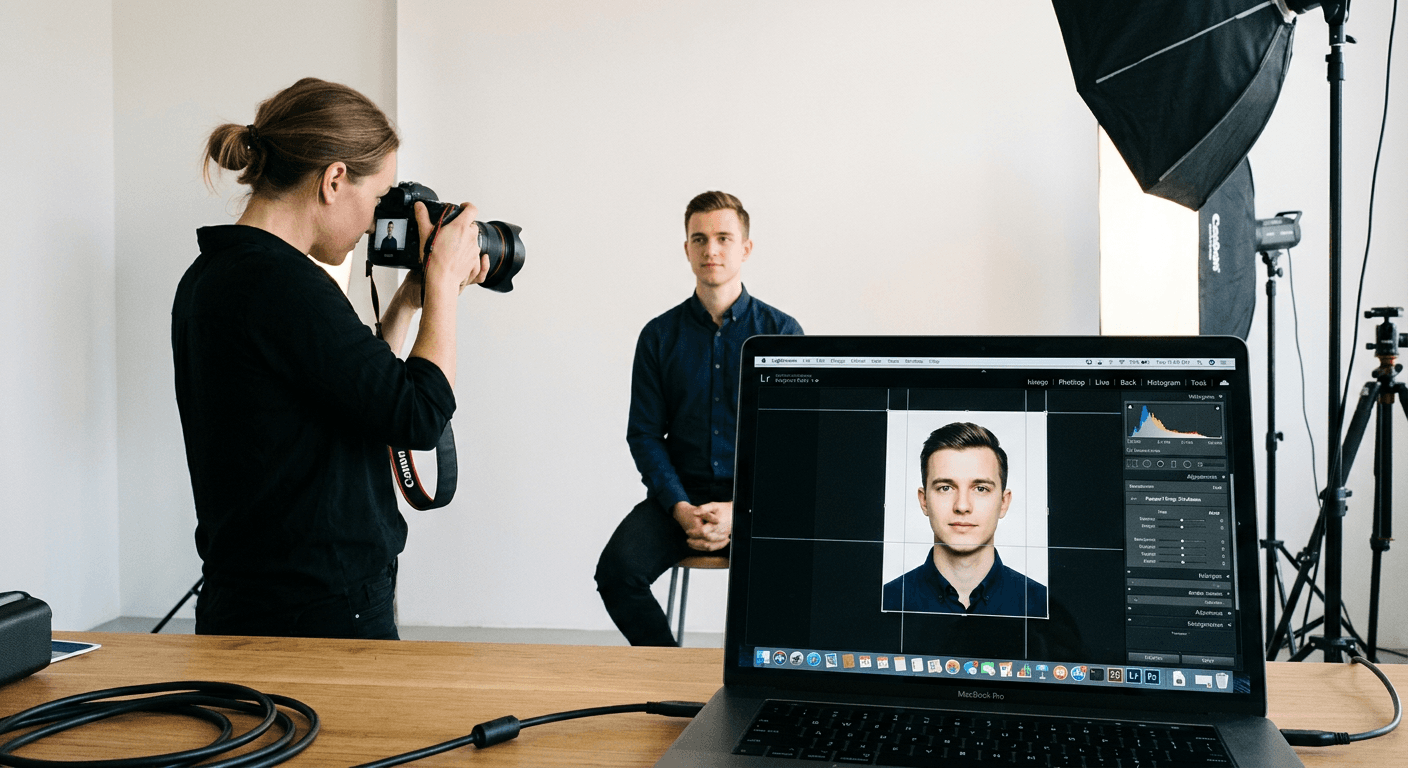
Securing a compliant passport application begins with the technical accuracy of your submission. Whether you are traveling for business or pleasure, ensuring your digital file adheres to strict international standards for a passport size photo is essential to avoid processing delays or outright rejection. Understanding the nuances of image dimensions, resolution, and background requirements is the first step toward a successful application.

Quick Summary
Achieving a compliant passport format photo requires precise cropping, background removal, and adherence to specific pixel dimensions. Using dedicated software or professional services ensures your image meets government-mandated requirements for lighting, head size, and composition, preventing common pitfalls that lead to application delays or document rejection.
- Precise cropping to meet exact passport image size requirements.
- Automatic background removal for standard white or off-white backgrounds.
- Instant validation against international biometric standards.
- Efficient batch processing for family applications.
Table of Contents
- Quick Summary
- Professional Online Passport Photo Services
- Desktop Image Editing Software
- Automated Mobile Photo Applications
- Built-in OS Cropping and Resizing Tools
- Buying Guide - How to Choose the Right Tool
- FAQ
- Recommended Reads
Professional Online Passport Photo Services
Professional online web-based tools are often the most convenient route for users who lack advanced editing skills but require high-level compliance. These platforms are purpose-built to handle the specific passport picture size regulations for different countries, providing a streamlined workflow that starts with an upload and ends with a ready-to-print or digital file.
Most high-end services feature automated head-tracking and alignment algorithms. These systems detect the position of your eyes and chin, ensuring the framing matches the mandatory proportions. By using specialized passport guides, these services often guarantee compliance, providing peace of mind that your document will be accepted by authorities during your US baby passport photo application or similar international processes.
Pros:
- High level of compliance with global standards.
- Intuitive user interfaces requiring no technical expertise.
- Automated background cleanup and lighting correction.
Cons:
- Often require a subscription or per-photo fee.
- Privacy concerns regarding uploading sensitive biometric data.
Desktop Image Editing Software
For professionals or users who prefer full control over their files, industry-standard desktop software remains the gold standard. These programs allow you to manually adjust the passport format photo settings to the pixel, ensuring that the aspect ratio and resolution are perfectly calibrated to your specific country's requirements.
Using advanced software allows you to handle complex lighting scenarios and fine-tune skin tones or shadows that automated services might ignore. This level of granular control is particularly useful when you need to maintain high-quality exports without excessive compression. For those preparing a UK baby passport photo, the ability to manually inspect the image at 100% zoom is a significant advantage.
Pros:
- Total control over file compression and metadata.
- No need to upload images to third-party servers.
- Ability to work offline with high-resolution source files.
Cons:
- Steep learning curve for non-technical users.
- Significant time investment compared to automated alternatives.
Automated Mobile Photo Applications
Mobile applications have democratized the process of taking official photos. These apps utilize your phone's camera and built-in sensors to provide real-time feedback while you take the shot. They guide the user on how to distance themselves from the wall and how to position their face relative to the frame.
These tools are highly efficient for mobile-first users. After capturing the photo, the app typically performs the resizing to the required passport image size, allowing for instant export via email or direct printing. These apps are increasingly sophisticated, with many now including AI-powered background replacement, which is critical when a plain white wall is not available in your home.
Pros:
- Exceptional convenience and portability.
- Integrated guidance during the shooting process.
- Low cost compared to professional studio services.
Cons:
- Mobile camera lenses can cause subtle facial distortions if not handled correctly.
- Variability in quality depending on the specific phone hardware.
Built-in OS Cropping and Resizing Tools
If you have a source image that already meets the lighting and facial expression requirements, you can use the native image editors provided by your operating system. While these tools do not "know" the requirements for a passport size photo, they allow you to set specific aspect ratios and pixel dimensions for manual adjustment.
This method is best for users who are already comfortable with image editing. You simply calculate the required pixel density, adjust the canvas size, and export the file. This is the most cost-effective solution, though it requires you to be strictly aware of the official documentation and requirements for your specific country.
Pros:
- Completely free of charge.
- No additional software installation required.
- Full control over file management and security.
Cons:
- Zero automated compliance checking.
- High risk of user error during manual resizing.
Buying Guide - How to Choose the Right Tool
Selecting the right tool for creating a passport picture size file depends on your technical comfort level and the urgency of your application. If you need a guaranteed result, professional online services that offer compliance checks are the safest bet. They eliminate the guesswork regarding margins, resolution (DPI), and head height.
If you are a photographer or a power user, lean toward desktop editing software that offers lossless export options. Always ensure that your chosen method supports the file format required by the relevant authority, such as JPEG or PNG. Finally, consider security and privacy; if you are uploading photos, read the privacy policy of the service to ensure your personal data is handled appropriately.
FAQ
- What is the standard passport image size? Passport dimensions vary by country. For example, the US standard is 2x2 inches, while many other countries use a 35x45mm format. Always verify the local requirement before resizing.
- Can I use a selfie for my passport? While you can take a self-portrait, it must meet strict criteria regarding facial expression, lighting, and shadow. It is recommended to have someone else take the photo to avoid the distortion caused by front-facing camera lenses.
- How do I ensure my background is compliant? Most passport authorities require a plain white or off-white background. If you do not have a suitable wall, use a photo-editing app with a background removal feature to generate a clean, solid color background.