Digital vs. Physical Passport Photos: Which is Right for You?
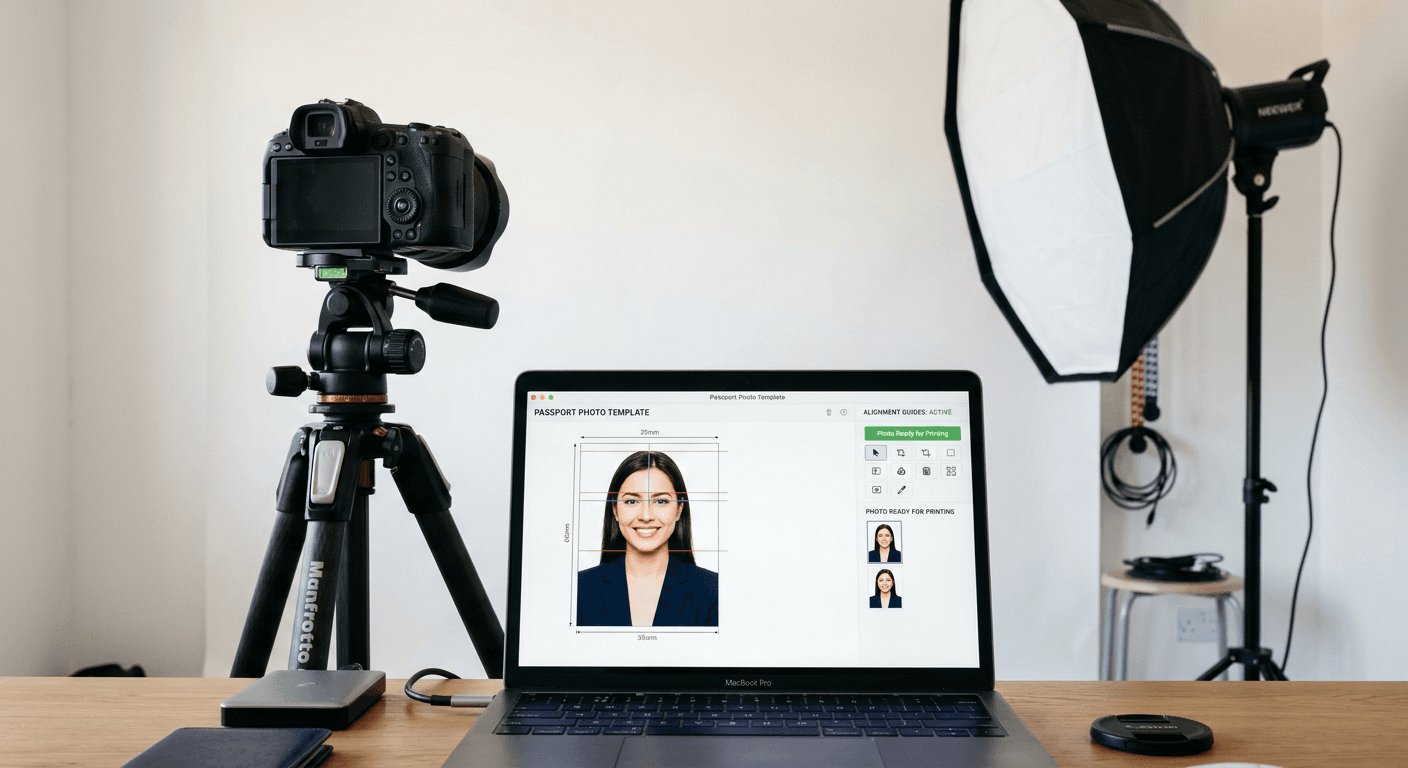
Selecting the right method for obtaining your identification images can significantly impact the speed and success of your application. Whether you choose to capture a digital passport photo through a specialized service or visit a professional studio for a physical print, understanding the nuances of current submission standards is critical to avoid delays.
Quick Summary
Digital passport photos offer convenience and flexibility for online applications, while physical photos remain a standard requirement for paper-based submissions. Choosing between them depends on your country's specific portal requirements, the necessity of biometric compliance, and your personal preference for cost-efficiency versus professional assistance.
- Digital photos allow for instant verification and multiple attempts.
- Physical prints require precise dimensions and high-quality paper.
- Both formats must adhere to strict government biometric standards.
- Online tools can simplify the process of meeting complex international guidelines.
Table of Contents
- Comparison of Passport Photo Solutions
- Professional Studio Services
- Automated Passport Photo Kiosks
- Online Passport Photo Software
- Retailer-Based Photo Printing
- Government-Compliant DIY Solutions
- Buying Guide: Choosing Your Method
- Frequently Asked Questions
- Recommended Reads

Comparison of Passport Photo Solutions
| Feature | Professional Studio | Online Photo Maker | Retailer Kiosk | DIY Mobile App |
|---|---|---|---|---|
| Convenience | Low | Very High | Medium | High |
| Accuracy | High | High (with AI) | Medium | Variable |
| Cost | High | Low/Free | Moderate | Free |
| Turnaround | Immediate | Instant | Immediate | Instant |
Professional Studio Services
Professional photographers offer the most reliable path to compliance. They possess a deep understanding of lighting, shadows, and the exact dimensions required for various visa and passport applications. By relying on an expert, you reduce the risk of rejection due to common errors like improper head tilt or uneven facial lighting.
- Pros: Guaranteed compliance, high-quality lighting, expert posing guidance.
- Cons: Expensive, requires an appointment, limited operating hours.
- Best For: Individuals with complex visa requirements or those who prefer a hands-off, premium experience.
Automated Passport Photo Kiosks
Found in transit hubs and government offices, these kiosks are designed to provide a quick, standardized output. While they lack the personal touch of a photographer, they are calibrated to meet regional biometric standards automatically. You can read more about specific regional needs by browsing our comprehensive passport photo guide to ensure you understand the necessary hardware constraints.
- Pros: Convenient locations, automated background removal, immediate prints.
- Cons: Rigid interface, difficulty in capturing babies or individuals with mobility issues.
- Best For: Travelers needing a quick solution before a trip or those near a major transport hub.
Online Passport Photo Software
A digital passport photo created through web-based platforms is increasingly the standard for modern e-passport applications. These tools provide real-time feedback on your composition, ensuring that your image hits all the markers required for automated recognition software. For parents, specialized resources for a US baby passport photo offer invaluable tips on capturing a compliant image in a home environment.
- Pros: Cost-effective, accessible from home, multiple retakes permitted.
- Cons: Requires a stable internet connection and high-resolution camera.
- Best For: Busy professionals and families who prefer to manage their application entirely online.
Retailer-Based Photo Printing
Many major pharmacy chains and big-box stores offer printing services for digital files. If you use a quality passport photo maker to generate your file, you can simply bring it to a local retailer for high-quality, matte-finished prints. This strikes a balance between professional quality and digital flexibility.
- Pros: Inexpensive, professional-grade printers, wide availability.
- Cons: You are responsible for the file's compliance, limited to standard print sizes.
- Best For: Those who have a digital file but still need a physical print for their paper application.
Government-Compliant DIY Solutions
Creating a compliant photo at home requires strict attention to detail. You must ensure your background is plain, white, and shadow-free. It is essential to avoid the "dm passport photo" pitfalls, where photos are rejected due to poor image resolution or incorrect file metadata. Always check the official criteria for your specific country before finalizing your submission.
- Pros: Maximum control, free of charge, no travel required.
- Cons: High risk of human error, requires knowledge of image formatting software.
- Best For: Tech-savvy users who are comfortable following detailed technical specifications.
Buying Guide: Choosing Your Method
When selecting your method, consider the urgency of your application and the specific file requirements. For instance, some countries strictly require a digital file uploaded to a portal, while others mandate physical prints on specific paper types. Always prioritize services that offer validation against current government criteria.
Accessibility is another factor. If you are taking photos for children, consider tools that specialize in Canada baby passport photo preparation, as capturing a compliant image for an infant requires unique techniques and patience. Evaluate if you need a physical print versus just a digital asset, as this will dictate whether you visit a retail location or simply use an online service.
Frequently Asked Questions
- Q: Can I use a passport photo online free? A: Yes, many online tools allow you to generate a file for free, though some charge for premium features like background removal or expert review.
- Q: How long is a passport photo valid? A: Most governments require photos to be taken within the last 6 months to ensure they reflect your current appearance.
- Q: What is the biggest cause for rejection? A: The most common causes are improper lighting, shadows on the face, non-neutral expressions, and incorrect background color.
- Q: Do I need a digital copy for a paper application? A: Not necessarily, but keeping one is good practice in case you need to re-print or use it for other official documents.