Essential Passport Photo Kits and Services
Capturing a compliant image for international travel documents is a critical step that often causes unnecessary delays. Choosing the right passport photo maker or professional service can significantly reduce the risk of application rejection. Whether you are dealing with government-specific requirements or simply need a reliable way to format your digital file, understanding your options is essential for a seamless application process.
Quick Summary
Selecting the right passport photo solution depends on your budget, technical comfort, and urgency. Options range from automated web-based software to full-service professional studios. Key takeaways for selecting a service include:
- Automated compliance checks prevent application rejection.
- Professional lighting and background setup are essential for biometric approval.
- Consider your specific country's regulations before finalizing your image.
Table of Contents
- Comparison of Passport Photo Solutions
- Professional Studio Services
- Automated Online Photo Makers
- Retail Kiosks and Print Services
- DIY Smartphone Photography
- Buying Guide - How to Choose the Best Solution
- Frequently Asked Questions
- Recommended Reads

Comparison of Passport Photo Solutions
| Feature | Professional Studio | Online Photo Maker | Retail Kiosk | DIY Smartphone |
|---|---|---|---|---|
| Convenience | Low | High | Medium | Very High |
| Cost | High | Low/Free | Medium | Free |
| Compliance | Guaranteed | High | Variable | Dependent on User |
| Turnaround | Immediate | Instant | Immediate | Instant |
Professional Studio Services
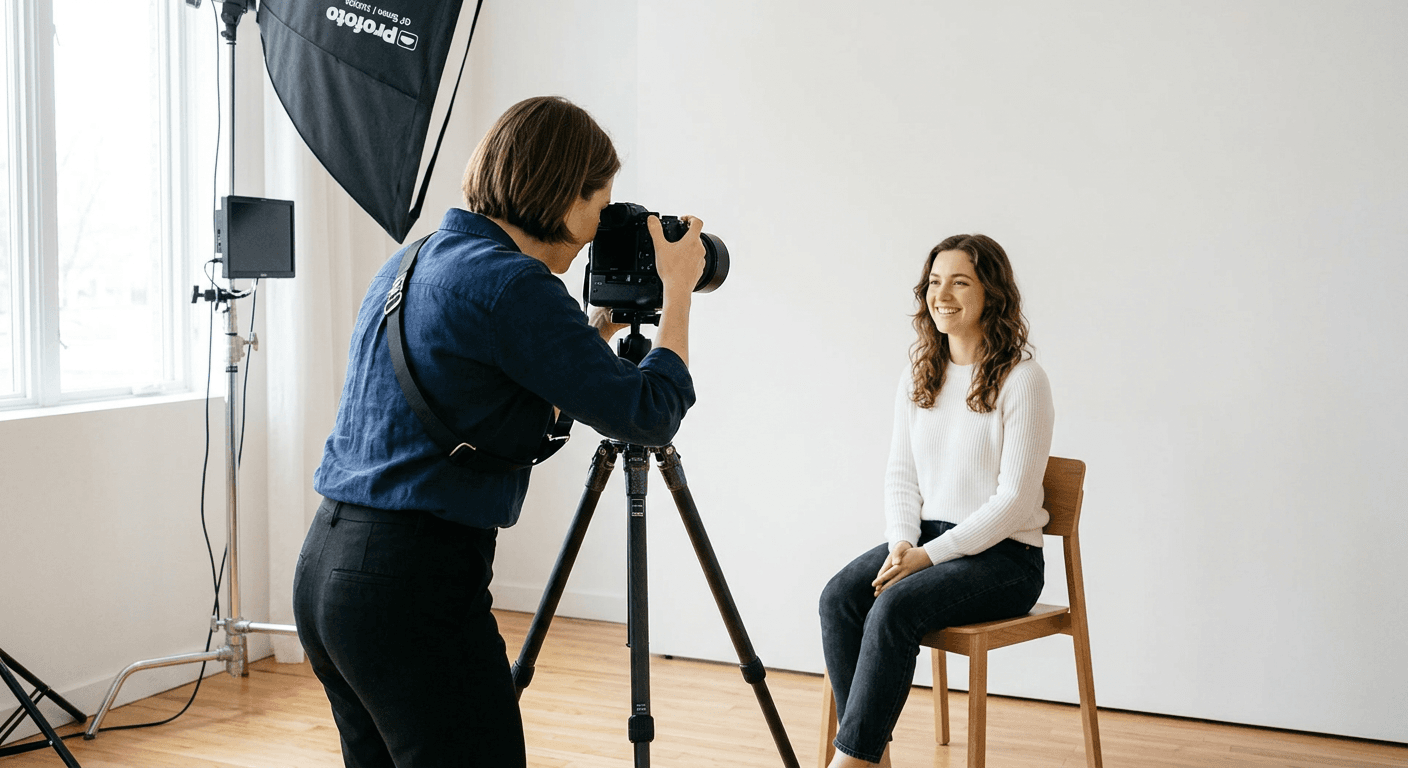
Professional photography studios remain the gold standard for high-stakes document photos. These establishments provide controlled lighting, professional-grade cameras, and staff trained in the specific biometric requirements of various countries. By visiting a local expert, you eliminate the guesswork associated with shadows, reflection, or improper cropping.
When you use a professional service, you are paying for technical expertise. They verify that your image meets strict criteria, such as neutral facial expressions and no obstructions. If you need a <a href="https://passportphotomaker.eu.com/guide/us-baby-passport-photo">US baby passport photo</a>, a professional studio is often the safest bet due to the difficulties in positioning infants correctly.
- Pros: Guaranteed compliance, high-resolution output, minimal stress.
- Cons: Higher price point, requires an appointment, limited operating hours.
Automated Online Photo Makers
Online photo makers have revolutionized the document application process. These platforms utilize advanced AI to detect your facial landmarks and automatically crop, resize, and brighten your image to meet international standards. Most users can upload a smartphone photo and have it processed in seconds, which is a major convenience for those searching for a <a href="https://passportphotomaker.eu.com/guide/uk-baby-passport-photo">UK baby passport photo</a> alternative to high-street shops.
While some platforms offer a 'passport photo online free' tier, many provide advanced background removal and compliance checks for a nominal fee. These tools ensure your file is perfectly balanced for printing or digital submission. Before selecting a tool, ensure it supports the specific dimensions required by your destination country.
- Pros: Extremely cost-effective, available 24/7, instant digital delivery.
- Cons: Requires a quality source photo, some automated systems struggle with complex backgrounds.
Retail Kiosks and Print Services
For those who prefer a tangible product, retail kiosks located in drugstores or post offices are a popular middle-ground. These units are designed to guide the user through the process, usually involving an internal camera that forces you to adhere to basic alignment rules. It is a common solution for people looking for a 'passfoto machen in der nähe' while running errands.
These kiosks often print the photos on the spot, ensuring you have physical copies ready for your mail-in application. While convenient, the lighting can sometimes be harsh, and the quality may not match that of a dedicated portrait studio. Always check if the kiosk is maintained regularly to ensure camera clarity.
- Pros: Immediate physical prints, easy to locate, simple interface.
- Cons: Variable lighting quality, limited customization for non-standard sizes.
DIY Smartphone Photography
Modern smartphones possess cameras capable of producing high-quality images sufficient for passport requirements. To succeed with a DIY approach, you must focus on environment. Find a plain white wall, use natural light from a window facing your face, and ensure there are no shadows behind you. Using a dedicated app to format your image helps ensure your final file adheres to international biometric standards.
If you are planning to travel soon, taking your own photo can save significant time. Resources are available at <a href="https://passportphotomaker.eu.com/guide">passport photography guides</a> to help you master the angles and lighting needed for success. When done correctly, this is the most flexible and accessible method for families.
- Pros: Completely free, total control over the shoot, convenience of your own home.
- Cons: Steep learning curve, high risk of rejection if specifications are ignored.
Buying Guide - How to Choose the Best Solution
Choosing the right service requires balancing your specific constraints. If you are applying for a sensitive document or have complex requirements, a professional studio is the most reliable choice. However, if you are looking to save money or time, modern online tools have become increasingly sophisticated. When evaluating services, look for platforms that offer an automated compliance guarantee—this often means they will refund you if the passport agency rejects the photo.
Consider the delivery method as well. Does your application require a high-gloss physical print, or is a digital upload sufficient? Many online platforms provide both, which is useful if you haven't decided on the final submission method yet. Always review the latest <a href="https://passportphotomaker.eu.com/terms">terms of service</a> of your chosen provider to ensure your privacy and data security are protected.
Frequently Asked Questions
Can I use a regular photo for my passport?
No. Passport photos have specific requirements for size, resolution, lighting, and background color. A 'regular' photo will almost certainly be rejected.
Are free online photo tools reliable?
They are reliable if the tool specifically states it provides compliance checks. Ensure the tool updates its database based on current international government regulations.
How long should a passport photo last?
Most countries require the photo to have been taken within the last 6 months to ensure it reflects your current appearance.