How to Capture a Perfect Newborn Passport Photo in 2026
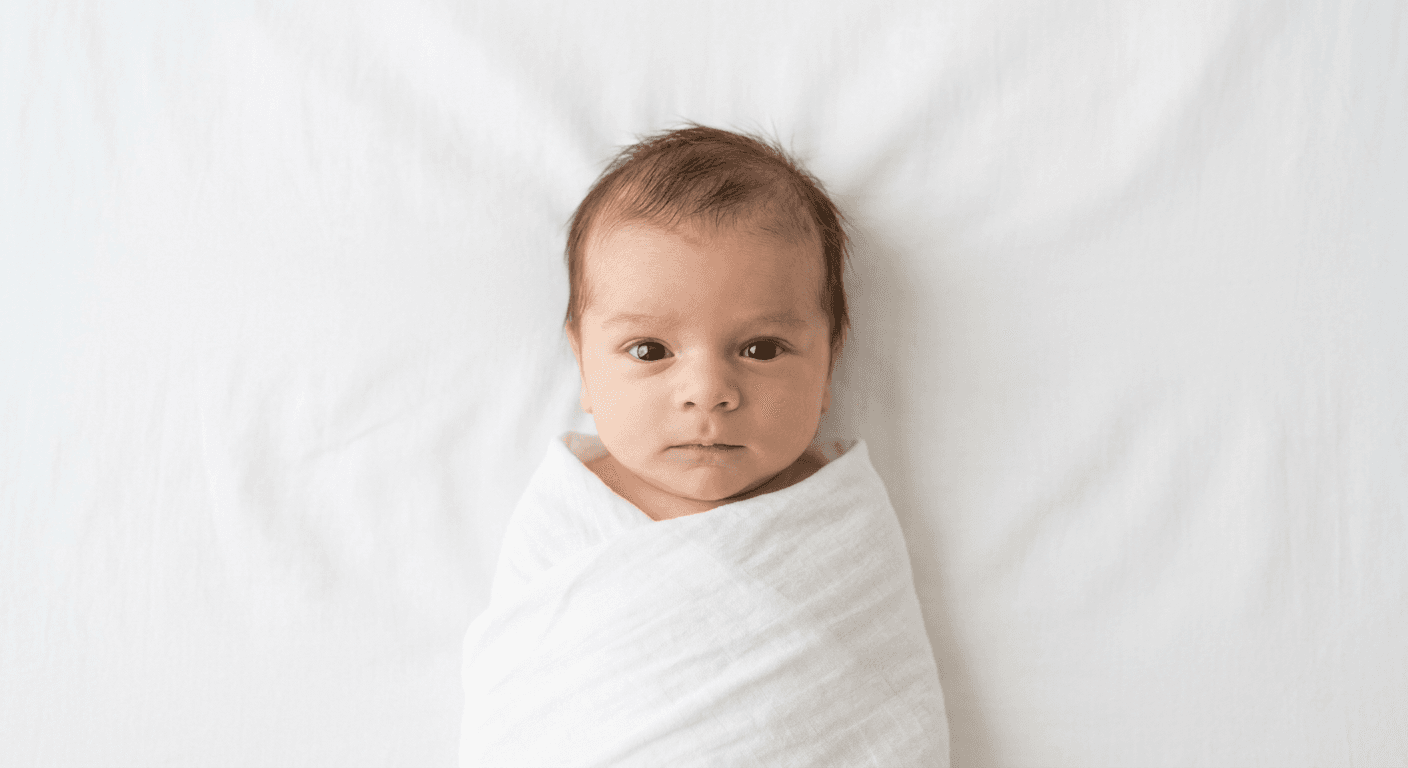
Capturing a compliant newborn passport photo can feel like a daunting task, especially when faced with strict international biometric requirements. Unlike adults, infants cannot simply sit still in a photo booth or follow instructions to maintain a neutral expression. However, with the right preparation and environment, you can successfully photograph your infant at home, meeting the necessary standards for government documentation.

Quick Summary
Successfully capturing a newborn passport photo requires a controlled environment with soft, indirect lighting and a plain, light-colored background. To ensure government compliance, the infant must be awake, facing the camera directly, and have a neutral expression with eyes open.
- Use natural, diffused lighting to avoid harsh shadows.
- Maintain a strictly neutral, light-colored background.
- Ensure the head is centered and occupies the required percentage of the frame.
- Keep the infant's eyes visible and mouth closed.
Table of Contents
- Quick Summary
- Understanding Biometric Standards
- Preparing the Environment for Newborns
- Step-by-Step Guide to Taking the Photo
- Common Pitfalls & Troubleshooting
- FAQ
- Recommended Reads
Understanding Biometric Standards
Government agencies worldwide enforce rigorous standards for identity photos to ensure that facial recognition software can process images accurately. A newborn passport photo is not merely a portrait; it is a biometric data point. This means that factors such as background color, lighting, and the orientation of the child's head are not suggestions, but mandatory requirements. Typical standards involve a plain white or off-white background, even lighting across the face, and a specific head-size ratio.
When preparing to take the photo, familiarize yourself with the specific regulations of the issuing country. While many nations follow international civil aviation organization standards, variations in size, such as the standard passport size of 35x45mm or 51x51mm, are common. Non-compliance often leads to immediate rejection of a passport application, resulting in processing delays and additional expenses. Using a high-resolution, unedited smartphone photo is generally the best starting point, as digital processing tools can later normalize the image to meet these technical requirements.
Preparing the Environment for Newborns
To capture a usable image, you must eliminate variables that interfere with biometric validation. The most critical element is the background. Avoid using patterned sheets or busy living room backdrops. A simple, wrinkle-free white sheet or a light-colored blanket draped over a flat surface - such as a car seat or a firm mattress - creates the ideal canvas. Ensure there are no shadows cast by the baby or the camera equipment onto this background.
Lighting is equally important. Avoid using the camera flash, as this causes red-eye and harsh reflections that can obscure facial features. Instead, position your infant in a well-lit area, such as near a large window during daylight hours. The goal is to achieve soft, diffused light that evenly illuminates both sides of the baby's face. If you are struggling with uneven lighting, you can use a white piece of card or a foam board to bounce light back onto the shaded side of the infant's face, reducing contrast.
Step-by-Step Guide to Taking the Photo
- Stabilize the infant: Place your baby on a firm, flat surface covered with a plain, light-colored sheet. If the baby cannot sit up, lying them down on their back is acceptable in many jurisdictions, provided the camera is positioned directly above them and the infant is looking up into the lens.
- Set the camera height: Position your camera or smartphone perfectly parallel to the baby's face. Avoid shooting from a high angle or a low angle, as this distorts the facial features, which can lead to biometric rejection.
- Capture attention without distraction: Use a toy or make gentle sounds just behind the camera to encourage the baby to look directly at the lens. The goal is to capture an image with eyes open and a neutral, calm expression.
- Maintain proper distance: Do not zoom in using the digital zoom feature, as this lowers image quality. Instead, move your body closer or further away until the baby's head occupies the appropriate portion of the frame as defined by your country's guidelines. For those needing guidance on specific regional rules, United States Baby Passport Photo Guide provides detailed technical breakdowns for various passport applications.
- Take multiple exposures: Infants move quickly. Take a series of photos in burst mode to increase the chances of capturing one where the eyes are open and the face is centered and clearly visible.
Pro Tip: If your baby tends to close their eyes frequently, try scheduling the photo session shortly after a nap or a feeding when they are most likely to be alert and content.
Common Pitfalls & Troubleshooting {#common-pitfalls-&-troubleshooting}
One of the most frequent reasons for application rejection is the presence of other people or objects in the frame. Parents often try to hold the baby up, but hands, fingers, or even clothing belonging to the parent appearing in the shot will result in an automatic rejection. Ensure only the infant is in the frame. If you must support the baby, use a white sheet to cover your hands, or utilize a baby-safe support mechanism that can be removed during post-processing.
Another common issue is improper head positioning. Many parents tilt the camera or the baby's head, resulting in an image that is not level. Even a slight tilt can interfere with the automated facial recognition software used by border control agencies. When using digital tools to verify your photo, ensure that the eyes are horizontally level. If you are struggling with a specific country's sizing requirements, United Kingdom Baby Passport Photo Guide is a helpful resource for understanding how to properly frame the infant to ensure compliance.
FAQ
- Can my baby be smiling in the passport photo? While some countries are more lenient with infants, most require a neutral expression with the mouth closed. It is safest to aim for a neutral, calm face rather than a wide grin.
- Do I need to take the baby to a professional photographer? No. You can take a valid passport photo at home using a smartphone as long as you follow the background, lighting, and positioning requirements strictly.
- What if my baby's eyes are closed? Eyes must be open and clearly visible. If you are having trouble, wait until the baby is well-rested and attempt the session during a period of high alertness.
- Can I wear a hat or hair accessory on the baby? Generally, no. Accessories such as headbands, hats, or bows should be removed to ensure the full face and hairline are visible to the biometric scanner.
- How do I know if my photo is compliant? Most government websites provide an online template or validator tool. Alternatively, ensure your photo is high-resolution, well-lit, and meets the specific head-size and background color requirements for your target country.