How to Create the Perfect Digital Passport Photo for 2026
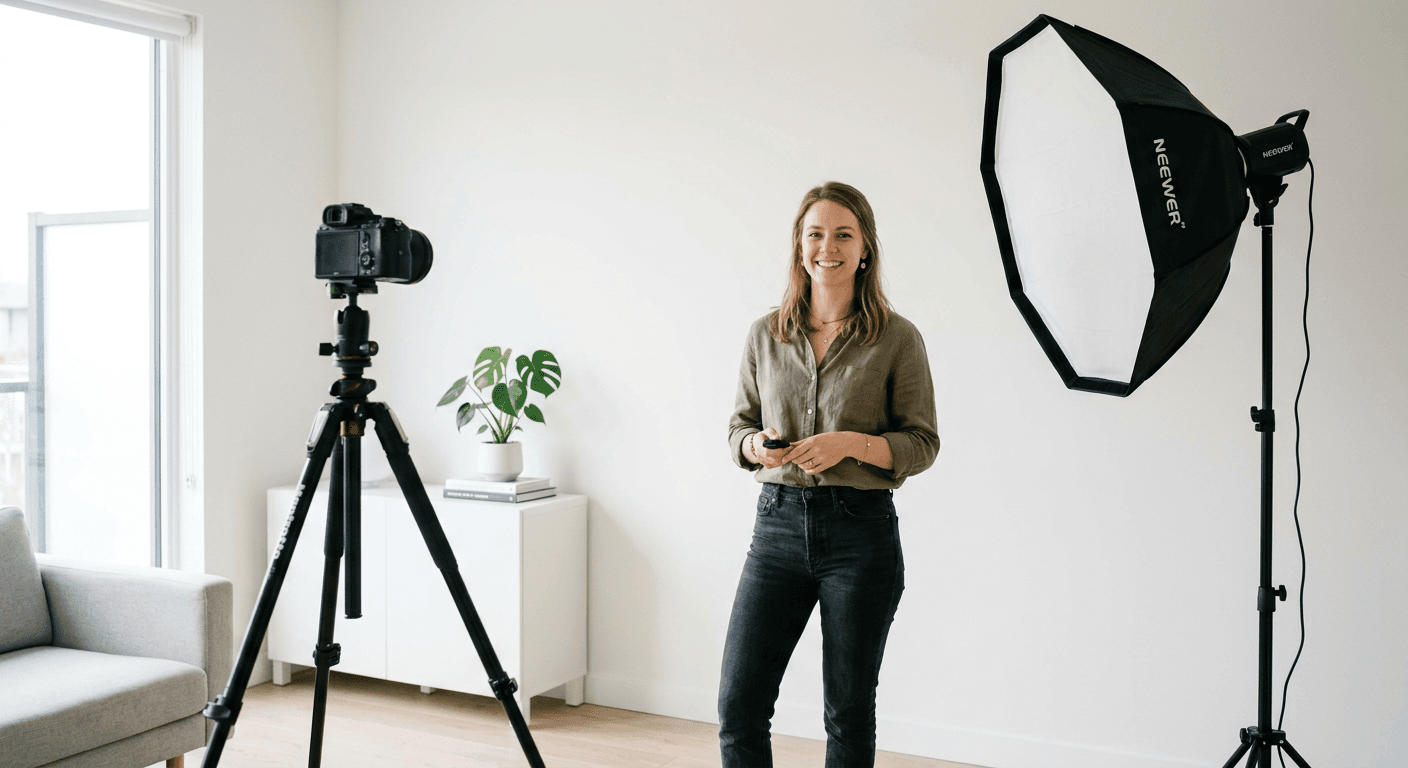
Creating a professional digital passport photo for 2026 is no longer the stress-inducing chore it used to be. You do not need an expensive photographer or a fancy studio to get a compliant result. With a bit of patience and the right digital passport photo tools, you can handle the process from your own living room while wearing pajama bottoms.
Quick Summary
A digital passport photo is an electronic image that meets strict government biometric standards for identification documents. By using a high-quality smartphone camera and specialized editing software, applicants can capture, crop, and verify their photos to ensure they meet international requirements for automated processing and identity verification systems.
- Ensure even lighting without shadows on the face.
- Use a neutral, light-colored background behind you.
- Maintain a natural facial expression with eyes fully visible.
- Verify file dimensions against specific national guidelines.
Table of Contents
- The Essentials of a Perfect Shot
- Choosing the Right Passport Photo Maker
- Technical Requirements for Digital Submission
- Common Mistakes to Avoid

The Essentials of a Perfect Shot
Getting it right starts long before you open an app. If you ask me, the biggest mistake people make is rushing the capture phase. Think of your camera as a neutral observer. It needs clear, flat light. If you stand right in front of a window, you might look like a silhouetted mystery guest - which is exactly what the passport office does not want.
Lighting and Background
Find a spot in your home with natural, diffused daylight. A wall that is painted white or off-white acts as the perfect backdrop. Here is a hot take: do not worry about painting a wall specifically for this; a blank door or even a clean sheet taped to a wall can work wonders. Just make sure there are no wrinkles. If you are struggling with a complex case, refer to the official baby passport photo guide for the UK to see how pros handle light reflection, as these tips apply to adults just as well.
Choosing the Right Passport Photo Maker
There are dozens of tools out there, but not all are created equal. When searching for a passport photo maker, you want something that does the heavy lifting for you. Look for software that automatically detects your facial landmarks. It should handle the cropping, background removal, and aspect ratio automatically. Honestly, if an app expects you to manually measure the distance between your eyes in pixels, run the other way.
Free vs. Paid Tools
Is a passport photo online free service actually reliable? Generally, yes, but watch out for sites that compress your image into a low-resolution mess. High resolution is non-negotiable. If you find yourself lost in the technical jargon, you can check out the general passport photo guides to understand which standards apply to your specific travel documents. It is worth the extra five minutes of research to avoid a rejected application.
Technical Requirements for Digital Submission
Submitting your image is where the rubber meets the road. Most modern systems are incredibly picky about file size. You might have the perfect headshot, but if it is five megabytes large, the system will just laugh at you. Most governments require files under 240KB. It feels like an arbitrary number, doesn't it? Just keep it mind that digital systems prefer efficiency over raw image quality.
Understanding Biometric Standards
Your face must occupy a specific percentage of the frame. This ensures that facial recognition software can map your features correctly. Do not smile too wide. Keep your mouth closed and your eyes staring straight ahead. It is like being in a police lineup, but much more comfortable.
Common Mistakes to Avoid
So, what usually goes wrong? Glasses are the biggest culprit. Even if you wear them every day, most authorities will ask you to remove them to prevent glare on the lenses. Another classic error is wearing clothing that matches the background. If you stand in front of a white wall wearing a white shirt, you will look like a floating head in the final image. Trust me, it never looks good.
Final Verification
Before you hit that final submit button, take a second look. Check for shadows under your chin. Verify that your hair is not obscuring your eyebrows. If you have been searching for a reliable way to get this done, you can contact the support team if you are unsure about your specific country's rules. Following these simple steps will save you a world of hurt later on.