Passport Size Photo Dimensions and Requirements: A 2026 Guide
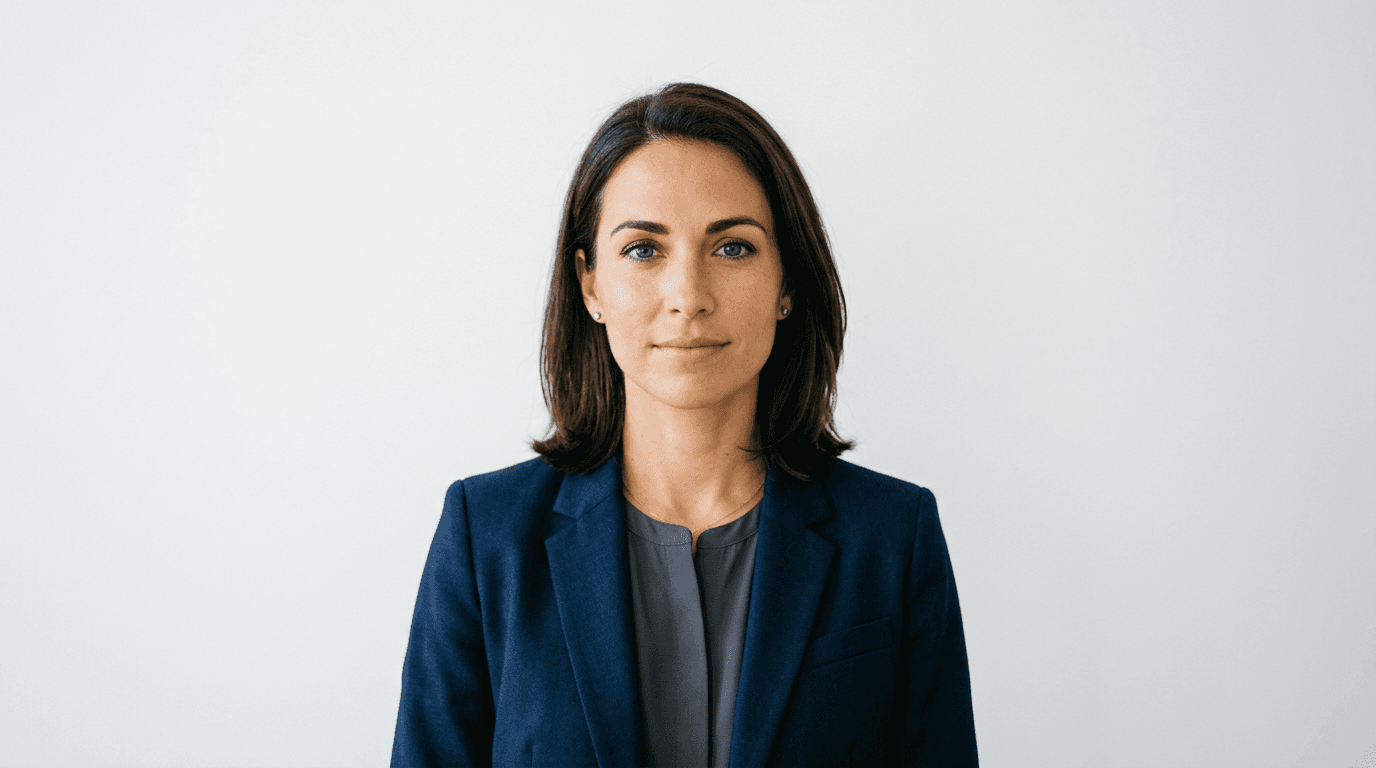
Dealing with government bureaucracy is rarely fun, but few things are more frustrating than having your visa or passport application rejected because of a minor error. One of the most common culprits? The humble passport size photo. While it might seem like a simple snapshot, every country has its own strict set of rules that turn a standard portrait into a technical puzzle. If you want to sail through the application process in 2026, you need to understand exactly what the authorities expect regarding passport size photo dimensions.
Quick Summary
Passport size photo dimensions refer to the precise height and width requirements set by government agencies for identification documents. These standards ensure facial features remain clear for biometric scanning. Most countries mandate a specific background color, head position, and lighting. Always verify the exact specifications before printing to avoid costly application delays.
- Standardize your lighting to avoid harsh shadows on the face.
- Maintain a neutral facial expression with eyes fully visible.
- Use high-quality paper without digital filters or modifications.
Table of Contents
- Passport Size Photo Dimensions
- Understanding Passport Format Photo Rules
- Common Mistakes with Passport Image Size
- Essential Tips for the Perfect Passport Picture Size

Passport Size Photo Dimensions
If you ask me, the biggest mistake people make is assuming all photos are created equal. They aren't. A standard 2x2 inch photo might be perfect for the United States, but try submitting that in a different country, and you are essentially asking for a rejection letter. The global standard for a passport size photo fluctuates between regions, and sticking to your local pharmacy's default setting is a recipe for disaster.
Before you hit the shutter, you need to check the official guidelines for your specific destination. Are they asking for 35x45mm? Or is it 50x50mm? It sounds simple, right? But even a two-millimeter difference can cause the automated system to flag your file as non-compliant. Precision is your best friend here.
Understanding Passport Format Photo Rules
Beyond the raw dimensions, there is the matter of composition. A passport format photo must serve a specific purpose: identification. This isn't your next Instagram post. The framing needs to show your head and shoulders, with your face occupying about 70-80% of the vertical space. If you are too far away, the biometric software won't be able to map your features. Too close? You’ll get cropped out.
Lighting and Background Requirements
Most countries insist on a plain white or off-white background. No patterns. No textures. Honestly, I believe the best way to achieve this at home is to stand in front of a white wall during the daytime. Natural, indirect light is superior to a camera flash, which often creates those annoying, glowing eyes or harsh shadows behind the ears that officials hate.
Common Mistakes with Passport Image Size
Have you ever wondered why your application got kicked back? Usually, it's about the passport image size. People often try to stretch or compress a photo to fit a template, which distorts the image. Never, and I mean never, use a digital tool that stretches your face. If you need a specific passport picture size but your source file is the wrong aspect ratio, you must retake it. Stretching ruins the biometric integrity of the portrait.
Another trap is wearing accessories. While religious headwear is generally permitted, it cannot obscure your face. Sunglasses? Forget about them. Even thick-rimmed glasses can be a gamble if the frames cover your eyes or create glare. When in doubt, take the glasses off. It is better to have a slightly plain photo than one that invites an extra round of scrutiny from a bored clerk at the embassy.
Essential Tips for the Perfect Passport Picture Size
Here is a hot take: do not rely on your phone's default auto-cropping. You need to be methodical. If you are helping a family member, like parents navigating a us-baby-passport-photo, ensure the child is lying on a plain white sheet. Use a high-resolution setting so that when you eventually crop the photo, the image doesn't turn into a grainy, pixelated mess. If it looks blurry on your screen, it will look even worse when printed.
Finally, check your output resolution. Printing at 300 DPI is the industry gold standard. If you print on cheap, thin paper, the ink might bleed, or the paper might curl, which effectively renders the canada-baby-passport-photo (or any adult photo) invalid. Spend the extra few cents on high-quality photo paper. Your future self—who is trying to get through airport security—will thank you.