Understanding Passport Size Photo Dimensions and Global Compliance Standards for 2026
Capturing a valid identity document image requires strict adherence to international biometric standards. Whether you are applying for a visa or a standard passport, navigating the specific passport size photo dimensions is the most critical step to ensuring your application is not rejected by authorities. Understanding the nuances of these requirements - from pixel density to background uniformity - is essential for every applicant.

Quick Summary
Passport size photo dimensions are precise specifications mandated by government agencies to ensure biometric facial recognition systems can process identity documents accurately. Compliance depends on standardized head sizing, uniform background colors, and high-resolution image quality.
- Dimensions are typically expressed in millimeters or inches.
- Backgrounds must generally be plain white or off-white.
- Face position must be centered with a neutral expression.
- Digital file size often requires specific DPI settings for high-quality printing.
Table of Contents
- Understanding Passport Size Photo Dimensions
- Critical Technical Specifications for Biometric Images
- Standardizing Your Passport Format Photo
- Common Pitfalls and Troubleshooting
- Frequently Asked Questions
- Recommended Reads
Understanding Passport Size Photo Dimensions
The concept of a passport size photo is not universal, as requirements vary significantly between nations. While many countries utilize the 35mm x 45mm standard, others, such as the United States, enforce a 2-inch by 2-inch (51mm x 51mm) square format. These dimensions are not arbitrary; they are calibrated to allow for optimal facial scanning and automated data entry during border control processing.
When preparing a passport image size, you must account for the ratio of the head to the total frame. Most governments require the head to occupy 70 to 80 percent of the vertical length of the photo. If the head is too large or too small, the software used by immigration officials may fail to register the biometric markers correctly, leading to an automatic denial of your application.
Critical Technical Specifications for Biometric Images
Beyond simple physical measurements, the passport picture size is often defined by digital resolution. High-resolution output is non-negotiable, typically requiring a minimum of 300 DPI (dots per inch) to prevent pixilation when printed. Low-quality, blurry, or distorted images are the most common cause of rejection in modern digital application portals. For detailed guidance on how different jurisdictions handle these digital requirements, consult specialized resources such as the Germany baby passport photo guide.
Lighting and contrast form the foundation of a biometric photo size being accepted. The light must be even across the face to eliminate shadows, which can mask facial features. Backgrounds should be light-colored or white, free of patterns or objects. If you are preparing photos for children, who often require more patience, the US baby passport photo documentation provides helpful tips for managing the complexities of infant facial positioning.
Standardizing Your Passport Format Photo
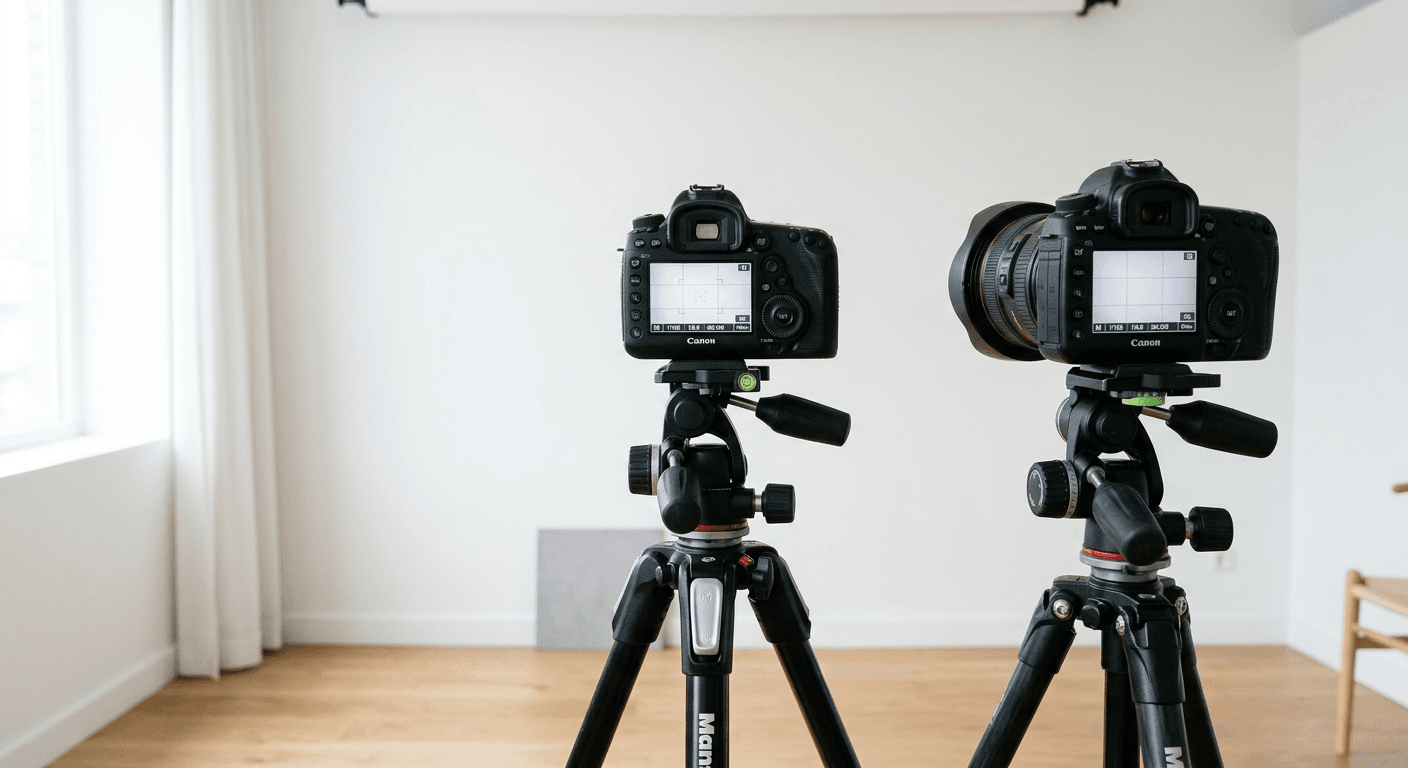
To achieve a compliant passport format photo, begin by setting up a consistent environment. Use a plain wall as a backdrop and position your camera at eye level. Avoid using filters, heavy retouching, or red-eye removal software, as these can alter your biometric features and invalidate the image. The goal is to provide an accurate representation of your current appearance.
For those needing to travel across multiple jurisdictions, be aware that a photo compliant for a UK application may not be suitable for other regions. You can compare various requirements by reviewing the UK baby passport photo standards against international norms. Always prioritize the specific requirements of the country issuing the passport, as their internal guidelines will always override general global trends.
Common Pitfalls and Troubleshooting
- Incorrect Cropping: One of the most common errors is failing to leave enough "headroom" above the subject's hair. Always ensure the frame includes the full head and the top of the shoulders.
- Shadowing: Indoor lighting from a single source often creates harsh shadows on one side of the face. Use soft, indirect light or two light sources to balance the illumination.
- Expression Issues: Governments require a neutral expression with closed lips. Smiling, squinting, or wearing headgear (unless for religious or medical reasons) often leads to immediate rejection.
- File Compression: Excessive file compression reduces image clarity. Always save your files in a high-quality JPEG format to maintain the necessary metadata and sharpness.
If your photo is rejected, check the official feedback provided by the passport office. Most issues regarding the passport size photo are related to either sizing inaccuracies or poor lighting, both of which can usually be corrected by adjusting your setup or utilizing professional biometric photo processing tools.
Frequently Asked Questions
What are the standard dimensions for most passport photos?
Most countries, particularly in Europe and the Commonwealth, use 35mm x 45mm. However, the United States requires 51mm x 51mm. Always check the specific country's requirements before printing.
Can I use a digital filter on my passport photo?
No. Any alteration to the image, including filters, skin smoothing, or background replacement that looks unnatural, will likely cause the photo to be rejected by biometric software.
Does the background color matter?
Yes. The vast majority of nations require a plain, solid white or off-white background. Patterns, shadows, or colors are generally prohibited.
How do I ensure my head is the right size in the photo?
Most official guidelines suggest that the head (from the chin to the crown) should occupy 70% to 80% of the total vertical height of the image.